

Filmtools
Filmmakers go-to destination for pre-production, production & post production equipment!
Shop Now
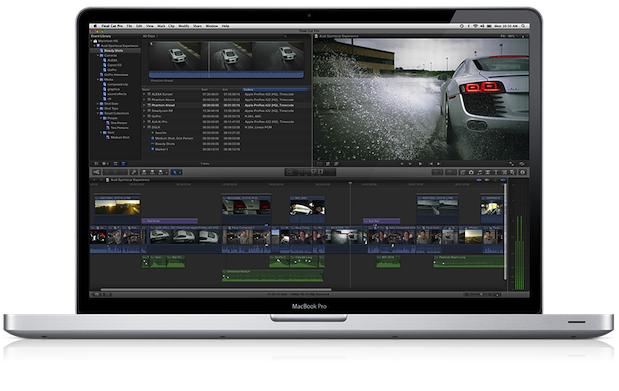
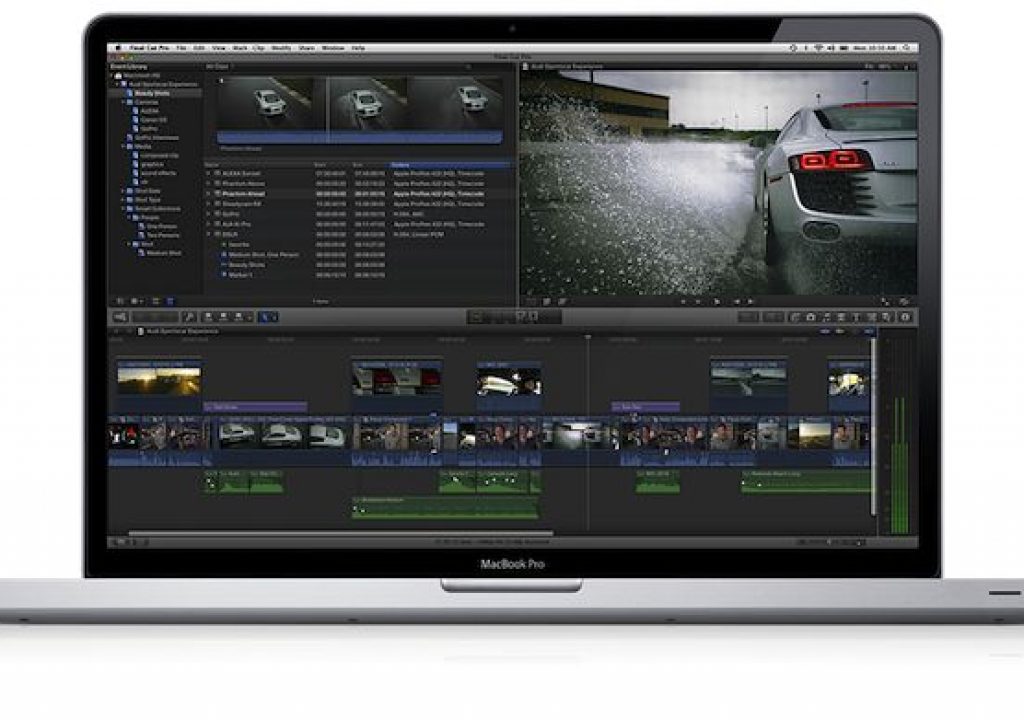
Apple has just published the following FAQ for FXP X, in which the company answers previously unanswered questions and commits itself to adding certain missing features. Here they are.
Final Cut Pro X is a breakthrough in nonlinear video editing. The application has impressed many pro editors, and it has also generated a lot of discussion in the pro video community. We know people have questions about the new features in Final Cut Pro X and how it compares with previous versions of Final Cut Pro. Here are the answers to the most common questions we’ve heard.
Import
Can I import projects from Final Cut Pro 7 into Final Cut Pro X?
Final Cut Pro X includes an all-new project architecture structured around a trackless timeline and connected clips. In addition, Final Cut Pro X features new and redesigned audio effects, video effects, and color grading tools. Because of these changes, there is no way to “translate” or bring in old projects without changing or losing data. But if you’re already working with Final Cut Pro 7, you can continue to do so after installing Final Cut Pro X, and Final Cut Pro 7 will work with Mac OS X Lion. You can also import your media files from previous versions into Final Cut Pro X.Can I import my video directly into Final Cut Pro X as I could in Final Cut Pro 7?
Yes. Final Cut Pro X allows you to import video from a wide range of devices, including many AVCHD-based cameras and DSLR cameras. You can find a list of supported cameras here:http://help.apple.com/finalcutpro/cameras/en/. The list will grow as we continue to test and qualify new cameras.Some camera manufacturers will need to update their import plug-ins to work with the new 64-bit architecture of Final Cut Pro, and we are working with them to provide these updates as quickly as possible. Until then, you can use your camera manufacturer’s import software to convert video for Final Cut Pro X.
For example, Sony offers an XDCAM Transfer application that allows you to convert XDCAM video without transcoding so it can be imported into Final Cut Pro X. You can find more information here: http://support.apple.com/kb/HT4724. If you are working with RED cameras, you can use the free RED software REDCINE-X, designed to transcode RED RAW video to ProRes for use in Final Cut Pro X: https://www.red.com/support/all/downloads.
Editing
Can I edit my tape-based workflow with Final Cut Pro X?
Yes, in a limited manner. Final Cut Pro X is designed for modern file-based workflows and does not include all the tape capture and output features that were built into Final Cut Pro 7. Final Cut Pro X does support FireWire import for DV, DVCPRO, DVCPRO 50, DVCPRO HD, and HDV. In addition, companies like AJA and Blackmagic offer free deck control software that allows you to capture from tape and output to tape.Does Final Cut Pro X support multicam editing?
Not yet, but it will. Multicam editing is an important and popular feature, and we will provide great multicam support in the next major release. Until then, Final Cut Pro X offers some basic support with automatic clip synchronization, which allows you to sync multiple video and audio clips using audio waveforms, creating a Compound Clip that can be used for simple multicam workflows.Does Final Cut Pro X support external monitors?
Yes. If you have a second computer monitor connected to your Mac, Final Cut Pro X gives you options to display the interface across multiple monitors. For example, you can place a single window – such as the Viewer or the Event Browser – on the second monitor, while leaving the other windows on your primary monitor. Like previous versions, Final Cut Pro X relies on third-party devices to support external video monitoring. We’ve been working with third-party developers in our beta program to create drivers for Final Cut Pro X, and AJA has already posted beta drivers for its popular Kona card: http://www.aja.com/support/konaNEW/kona-3g.php.Can I save different versions of my project?
Yes. Final Cut Pro X automatically saves your project during the editing process, so you never lose your work. If you want to save a version of your project, with or without duplicate media, select it in the Project Library and choose File > Duplicate Project.Are keyboard shortcuts in Final Cut Pro X different from those in Final Cut Pro 7?
Many keyboard shortcuts for navigation, start/end marking, and tools are the same in Final Cut Pro X and Final Cut Pro 7. Some keyboard shortcuts have changed to support new features. Final Cut Pro X offers powerful keyboard customization, and you can view and modify keyboard shortcuts at any time by choosing Final Cut Pro > Commands > Customize.Can I use my third-party plug-ins in Final Cut Pro X?
You’ll be able to use them as soon as they are updated. Because Final Cut Pro X has a modern 64-bit architecture, third-party plug-ins must be 64-bit too. Final Cut Pro X already supports 64-bit Audio Units plug-ins. For motion graphics, third-party developers can build effects, titles, transitions, and generators as templates in Motion 5 for use directly in Final Cut Pro X. Developers can also build 64-bit FxPlug 2 plug-ins for Motion 5, and integrate those plug-ins into templates that can be used in Final Cut Pro X. These templates, together with any associated FxPlug 2 plug-ins, will work in Final Cut Pro X even if Motion is not installed on the computer.Media Management
Can I specify a scratch disk location?
Yes. When you import media, you can specify the Event and the drive where you’d like to put it. You can also specify where you’d like to put your project. In Final Cut Pro X, a project and its rendered media always travel together in the same folder, so it’s easy to move projects between different hard drives and computers.Can I share projects with other editors?
Yes. You have several options for sharing projects. You can hand over just the project file, and the recipient can reconnect the project to his or her own copies of the Event. Or you can send the complete project and Event as a package to another editor. Final Cut Pro X includes options for duplicating, moving, and consolidating projects and associated media to streamline sharing between editors.Can I store media in locations other than my system drive?
Yes. Turning off the “Copy files to Final Cut Events folder” option leaves the imported files where they are currently located. You can also move the project and associated media at any point during the editing process by dragging the project to another mounted hard drive within the Project Library.Can I hide Events that I am not working on?
Yes. You can hide Events in Final Cut Pro X by moving them out of the Final Cut Events folder. In the Finder, navigate to the /Users/username/Movies folder and create a new folder. Then move the Events you are not using out of the Final Cut Events folder and into your new folder. The moved Events will no longer appear in Final Cut Pro X. If your Events are located on an external drive, you can move the Events to a new folder on that drive, or you can simply unmount the drive.Export
Can Final Cut Pro X export XML?
Not yet, but we know how important XML export is to our developers and our users, and we expect to add this functionality to Final Cut Pro X. We will release a set of APIs in the next few weeks so that third-party developers can access the next-generation XML in Final Cut Pro X.Does Final Cut Pro X support OMF, AAF, and EDLs?
Not yet. When the APIs for XML export are available, third-party developers will be able to create tools to support OMF, AAF, EDL, and other exchange formats. We have already worked with Automatic Duck to allow you to export OMF and AAF from Final Cut Pro X using Automatic Duck Pro Export FCP 5.0. More information is available on the Automatic Duck website: http://automaticduck.com/products/pefcp/.Can I send my project to a sound editing application such as Pro Tools?
Yes; you can export your project in OMF or AAF format using Automatic Duck Pro Export FCP 5.0. More information is available on the Automatic Duck website: http://automaticduck.com/products/pefcp/.Does Final Cut Pro X allow you to assign audio tracks for export?
Not yet. An update this summer will allow you to use metadata tags to categorize your audio clips by type and export them directly from Final Cut Pro X.Can I customize my export settings?
Yes. Compressor 4, available from the Mac App Store for $49.99, allows you to create a wide variety of custom export settings that you can use in Final Cut Pro X. The most popular export options and formats, including ProRes and H.264, are already built into Final Cut Pro X.Purchase
Can I purchase a volume license?
Final Cut Pro X, Motion 5, and Compressor 4 Commercial and Education Volume Licensing will be available soon via the Apple Online Store for quantities of 20 or more. After purchasing, customers will receive redemption codes they can use to download the applications from the Mac App Store.
Read Allan T©pper’s latest book
Read Allan T©pper’s latest book, Unleash GoogleVoice’s hidden power. More info about both the print version and the new ebook version at books.AllanTepper.com. The ebook version is DRM-free and now available from the Amazon Kindle store, Apple iBooks store, Barnes & Noble NOOKbook store, and other popular ebook sources.
Allan T©pper’s consulting, articles, seminars, and audio programs
Contact Allan T©pper for consulting, or find a full listing of his articles and upcoming seminars and webinars at AllanTepper.com. Listen to his TecnoTur program, which is now available both in Castilian and in English, free of charge. Search for TecnoTur in iTunes or visit TecnoTur.us for more information.
Disclosure, to comply with the FTC’s rules
None of the manufacturers listed in this article is paying Allan T©pper or TecnoTur LLC specifically to write this article. Some of the manufacturers listed above have contracted T©pper and/or TecnoTur LLC to carry out consulting and/or translations/localizations/transcreations. Many of the manufacturers listed above have sent Allan T©pper review units. So far, none of the manufacturers listed above is/are sponsors of the TecnoTur programs, although they are welcome to do so, and some are, may be (or may have been) sponsors of ProVideo Coalition magazine. Some links to third parties listed in this article and/or on this web page may indirectly benefit TecnoTur LLC via affiliate programs.