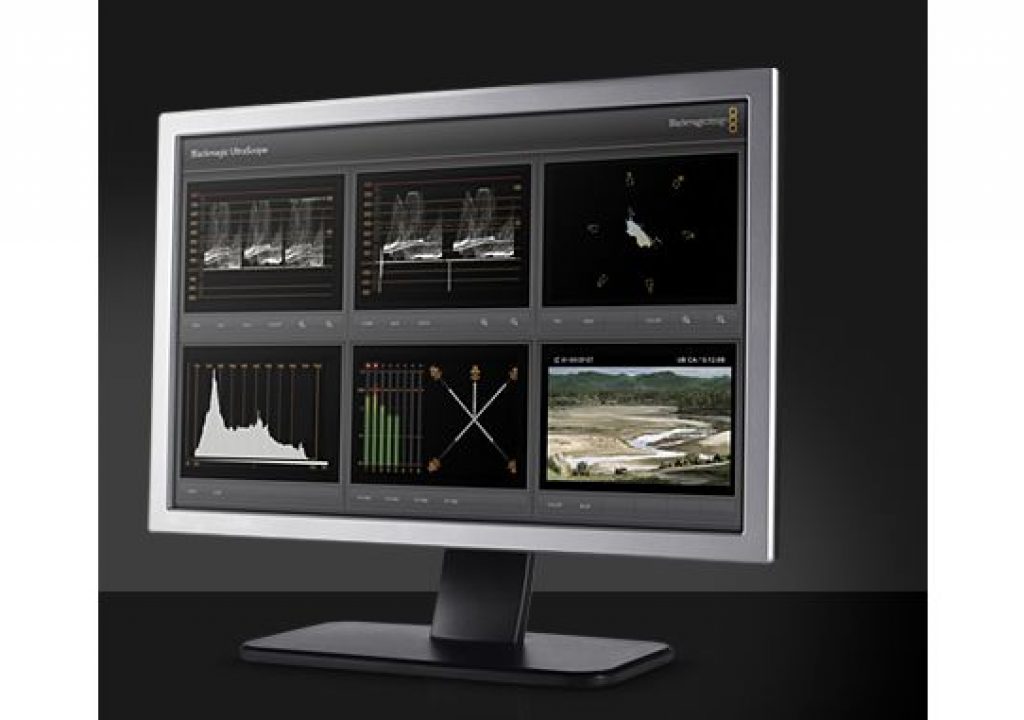

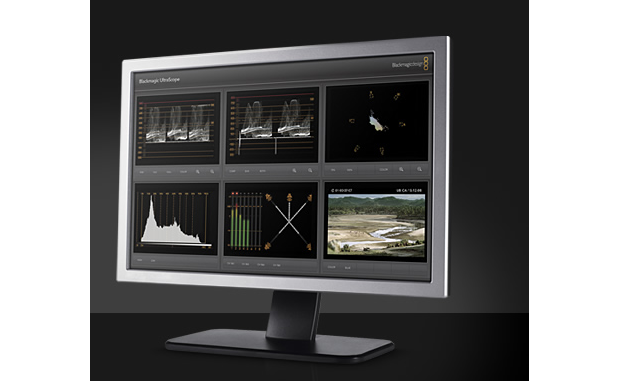
At NAB 2009, Blackmagic Design announced their UltraScope. In the manufacturer’s words: “The world’s first 3 Gb/s SDI and optical fiber SDI scopes designed for editors and colorists, with the technical accuracy broadcast engineers will love for only US$695!” Blackmagic continues, saying: “Simply plug into any compatible Windows computer with a 24-inch monitor, and Blackmagic UltraScope will display 6 live scope views simultaneously! UltraScope is engineering accurate and includes 3 Gb/s SDI plus 3 Gb/s optical fiber SDI. UltraScope auto detects SD, HD and 3 Gb/s SDI inputs.” For everyone’s sake, I hope Blackmagic Design creates a Mac version by the time the product ships in June… although at that price, if even Blackmagic doesn’t make a Mac version, some producers who generally prefer MacOS may well decide to dedicate a Windows computer just for this task.
UltraScope is a PCIe card. More specifically, it is a PCI Express 1 lane, compatible with 1, 4, 8, and 16 PCIe slots. It includes several views, including parade, waveform, component vectorscope, histogram, audio, and picture view, as you will see below:
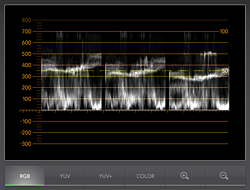
Parade display
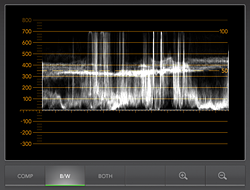
Waveform monitor display
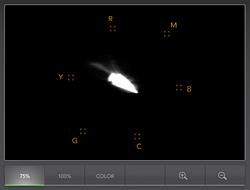
Component vectorscope display
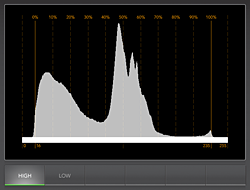
Histogram display
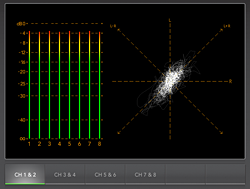
Audio display
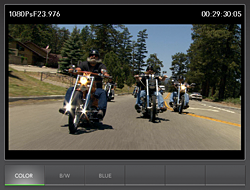
Picture display with VITC timecode


Filmtools
Filmmakers go-to destination for pre-production, production & post production equipment!
Shop Now