

Filmtools
Filmmakers go-to destination for pre-production, production & post production equipment!
Shop Now7 Guatemalans learn to color correct and more…

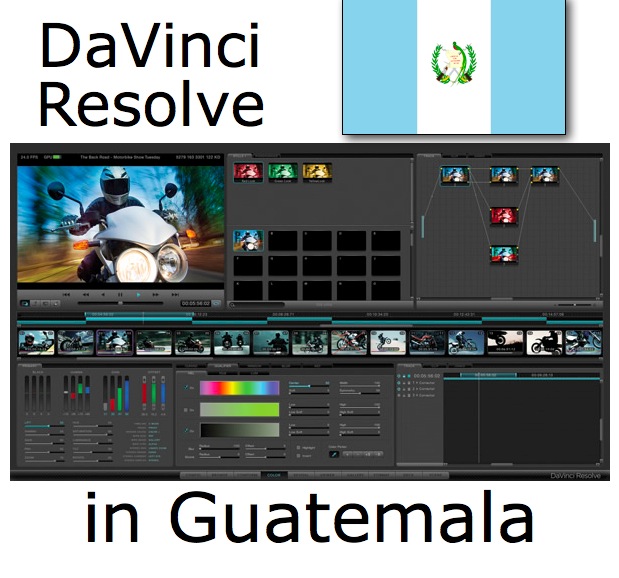
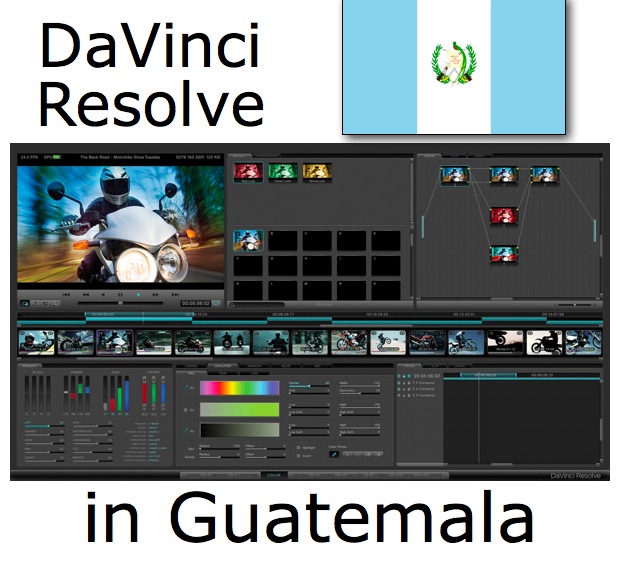
I just returned from the Republic of Guatemala in Central America, where I interpreted a class for David Catt, the original product manager at DaVinci Systems. (Since then, DaVinci Systems was purchased in 2009 by Blackmagic Design). David Catt taught 7 Guatemalans how to perform grading, including color correction and more using DaVinci Resolve. The client who recently purchased the new Mac-based DaVinci Resolve system is Julio Borrayo, president of STAFF HDTV/Alta Definición, which produces high-end TV commercials in Guatemala. This article explains the details of the system they purchased (hardware + software), installation and preparation, main points covered in the class, and the students. David Catt has agreed to join us on an upcoming episode of TecnoTur to discuss grading and the differences between different DaVinci Resolve configurations.
The hardware
STAFF HDTV/Alta Definición already owned several MacPro towers, but we discovered that only the most recent one they had purchased in 2010 qualified to accept the best GPU (graphics processing unit) card recommended by Blackmagic. The best GPU card recommended by Blackmagic for DaVinci Resolve as of NAB 2011 is the Quadro FX 4800. For live fullscreen preview on an HDTV monitor, Blackmagic specifies the use of the DeckLink HD Extreme 3D i/o card. Although not clearly explained on the Blackmagic website, fortunately David Catt informed me prior to the class that a separate GPU card is required for DaVinci Resolve’s GUI (graphical user interface), and of the two options recommended by Dave, STAFF HDTV/Alta Definición chose the GT120. In addition, since STAFF HDTV/Alta Definición has an HP DreamColor monitor (whose DreamColor engine requires true progressive digital video as RGB, not as YUV) and the DeckLink HD Extreme 3D currently only offers digital YUV over HDMI, STAFF HDTV/Alta Definición also had to purchase a Blackmagic HDLink Pro 3D DisplayPort box (which I have previously covered under its original name, HDLink DisplayPort in my 2009 article DreamColor converter boxes for non-compliant systems).
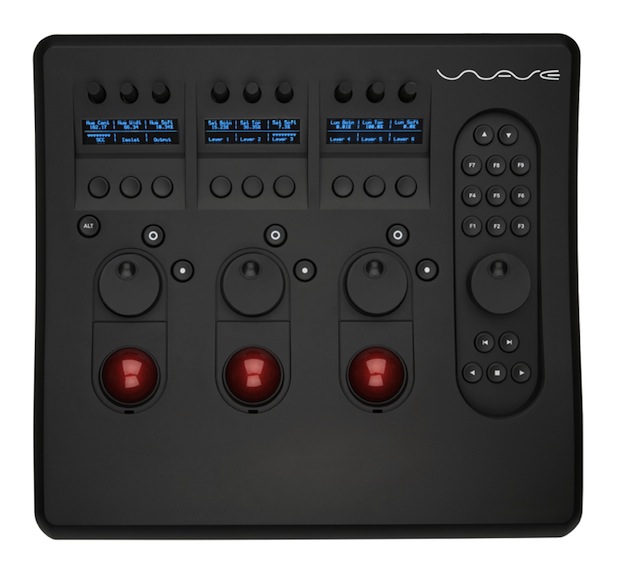
Finally, STAFF HDTV/Alta Definición chose the Wave control panel from Tangent Devices (shown above). They already owned the MacPro tower, a RAID5 disk array, the DreamColor monitor, and two 1920×1200 GUI monitors (the ideal recommendation according to Blackmagic), one for the actual DaVinci Resolve GUI, and one for the scopes. Both of these GUI monitors were fed by the GT120.
Preparation, before David Catt’s arrival
To save time in the class, I arrived before David to prepare the system in advance. I checked DaVinci Resolve’s compatibility with MacOS Lion 10.7.1. Then I removed all of the old cards from the MacTower, installed the new GPU cards, DeckLink HD Extreme 3D card, and re-installed the eSATA card, all according to the card order recommendation I had received from David via e-mail. I connected all of the appropriate cables. Then I formatted the MacTower’s system drive, made a clean install of MacOS Lion 10.7.1 and all Apple patches, installed FCP 7 with STAFF HDTV/Alta Definición’s license (and all of the Apple updates). I had previously read in the DaVinci Resolve installation manual that I should not install any GPU drivers, since the DaVinci Resolve installer would take care of that automatically with the exact matching version. So I downloaded DaVinci Resolve 8.1, inserted the USB dongle into one of the rear USB ports, and went with Diego Borrayo to La Aurora International Airport in Guatemala City to pick up Dave. Upon returning with Dave, we installed DaVinci Resolve 8.1. The DaVinci Resolve 8.1 installer not only includes the GPU drivers, but also the DeckLink drivers and control panel, so it is a “one-stop installation” for many things. The first two days we ran DaVinci Resolve 8.1, a warning came out saying that a CUDA update was required, although the button to execute the auto-install of it was greyed-out. David explained that it was a known issue and just to close it, since the update was not available yet. However, on the third day, a “miracle” occurred and the button became active. Someone (I don’t recall who) clicked on it, it auto-updated, and it never bothered us again!
The students and the language interpretation
The students from STAFF HDTV/Alta Definición who attended David Catt’s class included: Danny Borrayo, Diego Borrayo, Gabriela Borrayo, Julio Borrayo, Henry García, Celso Santizo, and Alan Valle. Although a few of them understand English well, not all of them do, so I was there to interpret between David Catt’s English (which sounds just like James Bond, since David is originally from England in the UK) and Castilian.
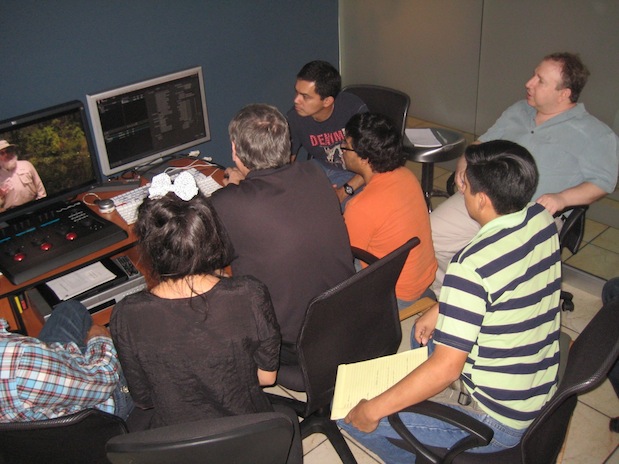
Due to the high number of students who attended, the class was held in STAFF HDTV/Alta Definición’s conference room, not the actual grading room in which the DaVinci Resolve grading system will actually be used.
Content taught in the class
I did not take notes, since I was busy interpreting back and forth. This is a partial summary of what David taught:
- The proper color paint for the walls of a grading room, and the proper lighting.
- DaVinci Resolve’s workflow.
- The importance of understanding which facets of DaVinci Resolve depend upon the CPU, and which ones depend upon the GPU, and how performance is augmented by having more cores of each.
- A very recent modification of another GPU (not the Quadro FX 4800 recommended by Blackmagic) by David Catt’s company which can gain even better performance at a lower cost.
- The fact that all internal processing in DaVinci Resolve is RGB*.
- Compatible códecs, and the preference for either DPX or ProRes4444 (which are both RGB)
- How to adjust white level, black level
- Use of soft versus hard clipping
- Color correction
- Noise reduction
- Masks and alpha channels
- Tracking
- Round trip workflows using XML with Adobe Premiere Pro CS5.5, Avid Media Composer, and Apple Final Cut Pro
*When I learned from David that DaVinci Resolve always processes internally in RGB, and with my prior knowledge that the HP DreamColor engine only accepts RGB (which is why I suggested the HDLink Pro 3D DisplayPort box, which only outputs RGB), I suggested to David that we adjust DaVinci Resolve so that it would send 4:4:4 RGB via the DeckLink HD Extreme 3D via SDI to the HDLink Pro 3D DisplayPort box so that the signal would remain in RGB (without conversion to YUV and back to RGB). David agreed and that’s how we left it.
The class was extremely well received by the students. I reiterate that this is just a partial list made from memory. David Catt will cover this more completely in an upcoming episode of TecnoTur for anyone who may need his services. Consider subscribing to TecnoTur now, free of charge (details below) to avoid missing the upcoming episode.
Related articles
Please consider reading the following related articles:
- Why FCP X’s secondary monitor should be 1920×1200, not 1920×1080 from August 15, 2011
- Does Premiere CS5 achieve the “impossible dream” for critical evaluation monitoring? from July 1st, 2010
- Why should I care if my monitor shows ITU Rec.709? from December 8th, 2009
- Who is the ITU, and why should I care? from December 8th, 2009
- How to connect your HD evaluation monitor to your editing system properly: Let me count the ways! from May 23rd, 2009
- DreamColor from HP: an ideal tool for critical image evaluation from December 8th, 2009
- DreamColor converter boxes for non-compliant systems from December 8th, 2009
- DreamColor direct interfaces from December 8th, 2009
- Thunderbolt in MacBook Pro: a new era for demanding video editors who prefer laptops from February 27th, 2011
- Mac Mini w/Thunderbolt: preferred platform for many new editing systems from August 8th, 2011
Allan T©pper’s books, consulting, articles, seminars, and audio programs
Contact Allan T©pper for consulting, or find a full listing of his books, articles and upcoming seminars and webinars at AllanTepper.com. Listen to his TecnoTur program, which is now available both in Castilian and in English, free of charge. Search for TecnoTur in iTunes or visit TecnoTur.us for more information.
Disclosure, to comply with the FTC’s rules
None of the manufacturers listed in this article is paying Allan T©pper or TecnoTur LLC specifically to write this article. Some of the manufacturers listed above have contracted T©pper and/or TecnoTur LLC to carry out consulting and/or translations/localizations/transcreations. Many of the manufacturers listed above have sent Allan T©pper review units. So far, none of the manufacturers listed above is/are sponsors of the TecnoTur programs, although they are welcome to do so, and some are, may be (or may have been) sponsors of ProVideo Coalition magazine. Some links to third parties listed in this article and/or on this web page may indirectly benefit TecnoTur LLC via affiliate programs.