
In part 1 of PsF’s missing workflow, we introduced the new terms benign PsF and malignant PsF (Progressive Segmented Frame), reviewed their vital importance and fragility in post-production, and clarified the PsF status of two Panasonic professional AVCHD/AVCCAM cameras. In part 2, we covered the PsF status of the Canon XA10 professional AVCHD camera. In part 3, we clarified the PsF status of Sony’s professional AVCHD/NXCAM cameras. Now, in part 4, we’ll cover some file-based recorders (from manufacturers like AJA, Átomos, Blackmagic, Convergent Design, Datavideo, and Sound Devices), their PsF status, and their purpose in your system and workflow.
About file-based portable HD video recorders
File-based portable HD recorders exist nowadays basically for two reasons: Either to make a superior recording than that could be possible inside of a camcorder’s own recorder, or to record the output of a video mixer (“switcher”), whether be it superior or equivalent quality to what might have been recorded internally in the cameras used. When I say superior, I mean either a 10-bit recording instead of an 8-bit recording, a 4:4:4 or 4:2:2 recording instead of a 4:2:0 recording, or a less compressed (or uncompressed signal). When I say that a recorder goes “up to” 10-bit, what I mean is that it records with 10-bit quality as long as the source being fed is truly 10-bit, not a 10-bit signal which has been derived from an 8-bit signal, as I have covered in more detail in several prior articles. When fed a signal that is 8-bit (over HDMI) or 10-bit derived from 8-bit (over HD-SDI), the recorder makes a 10-bit recording that has 8-bit quality.
When I say nowadays, I mean that because all new development in cameras I see is tapeless. However, with a camcorder that records HD on tape, there is one more potential benefit of recording on an outboard file-based HD recorder: drastically decreased ingest time.
The terms Benign PsF and Malignant PsF
The terms benign PsF and Malignant PsF were introduced in Part 1 of this series called PsF’s missing workflow.
Recording from an HD-SDI source
Some portable, file-based HD video recorders have both HD-SDI inputs and HDMI inputs, some only have HD-SDI, and some only have HDMI inputs. When connected via HD-SDI and receiving signals already designated as 23.976PsF, some of the recorders with this type of signal will automatically know to record the signal as pure progressive. However, when receiving 1080/25PsF or 1080/29.97PsF over HD-SDI, the recorders have no way to distinguish them from interlaced signals, so if you intend to record 1080/25p or 1080/29.97p, you must go into the recorder’s menu to request it (if the seting exists). Otherwise, you’ll end up with the negative side effects of Malignant PsF described in Part 1 of this PsF’s missing workflow series. The way to make the request of the recorder varies among manufacturers (if possible at all), as I’ll cover ahead in this article.
Recording from an HDMI source
Portable HD video recorders that record from HDMI (or those which have both types of digital inputs, when using the HDMI input) currently have a tougher time than HDMI technology should already permit. Even though the HDMI standard supports native 23.976p, native 25p, and native 29.97p, I have yet to find any camera (consumer or professional) that supports any of those signals over the HDMI output. All cameras that I have seen unfortunately output malignant PsF. The camera manufacturers generally cite their concern about monitor compatibility. In other words, they are afraid that the monitor you might connect via HDMI may not be capable of receiving native 23.976p, native 25p, or native 29.97p. I don’t really know why they (the camera manufacturers) don’t handle it the way many Blu-ray players do. Many Blu-ray players either interview the monitor via EDID (“Do you speak 23.976p?”) or have it as a menu setting. That way, they can send pure progressive if the monitor accepts it, and only send PsF if the monitor does not accept it. On the other hand, Sony Professional created special PsF modes for HDMI, as I covered in detail in my recent article, Untapped features in Sony NXCAM’s new HDMI output. However, to my knowledge, none of the many portable HD video recorder manufacturers is yet supporting Sony’s special mode. Apparently, it takes quite a bit of development time. As a result, some of the recorders that receive PsF over HDMI are unfortunately recording malignant PsF, and others are able to reverse the pulldown to make a true progressive recording, but only after being specifically requested by the human operator. Ahead are some examples.
Some file-based HD recorders and their PsF status
Note: This is not intended to be a complete list.
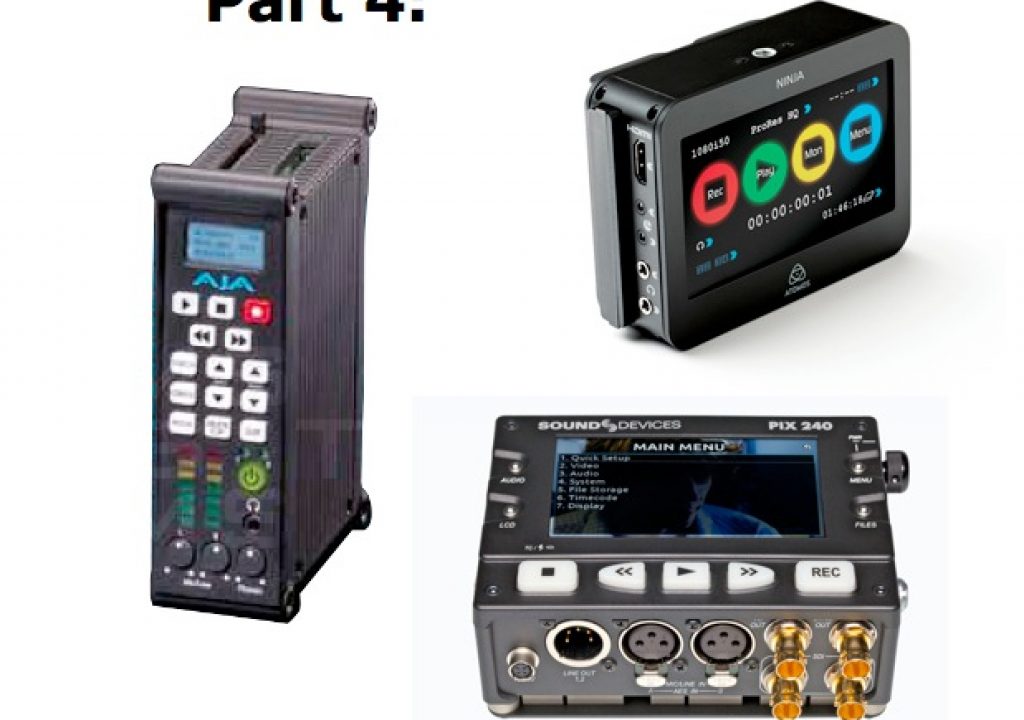
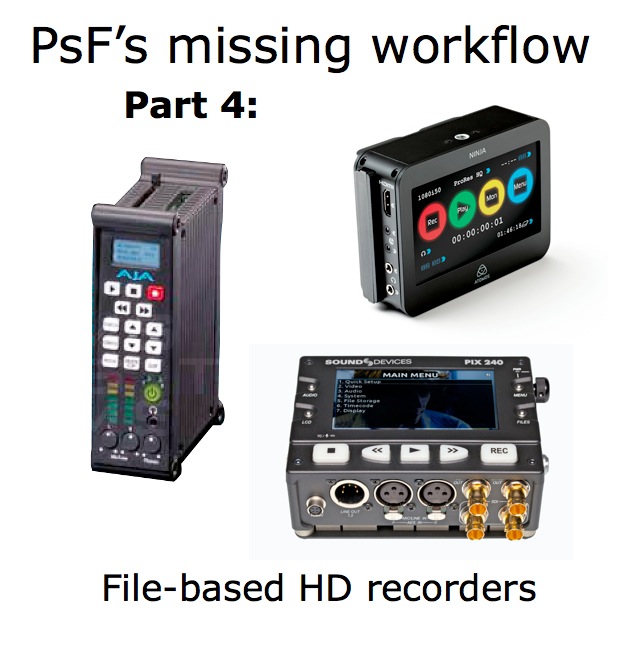
- Sound Devices’ PIX 220 and PIX 240 recorders (US$1795
and US$2895 respectively/4:2:2 up to 10-bit): Via HD-SDI, the PIX 240 recorder can automatically detect 1080/23.976PsF, reverse the pulldown, and record true progressive 23.976p. Via all inputs (HDMI or HD-SDI), the PIX 220 and PIX 240 recorders can also convert 25PsF or 29.97PsF video to true progressive video and record it as a true progressive file. To do that, go to the PIX recorder’s menu Video>File Resolution/Rate and select, for example, either 1080p25 or 1080p29.97. - Datavideo’s HDR-40 and HDR-50 (US$1920 for either/4:2:0 8-bit): Datavideo’s documentation indicates 1080i (no reference to any 1080p or 1080PsF). Obviously, if fed 1080/25PsF or 1080/29.97PsF, the HDR-40 and HDR-50 will record the signal as-is (as an interlaced signal). Then the recording will be subject to the same pitfalls and negative side effects as any other Malignant PsF signal, unless properly corrected via software, as I have covered previously, and will cover in more detail in upcoming articles in this PsF’s missing workflow series.
- Convergent Design’s nanoFlash recorder (US$2995/4:2:2 8-bit): Convergent Design’s documentation recommends turning on Record PSF->Progressive in the nanoFlash menu when recording from any framereate PsF source over HD-SDI in order to make a true progressive recording. Over HDMI, it will also work from 25PsF and 29.97PsF sources.
- Blackmagic’s Hyperdeck Shuttle and Hyperdeck Studio recorders (US$345 and US$995 respectively/4:2:2 up to 10-bit): I’m still awaiting a response from Blackmagic’s public relations department, and will update this when received. UPDATE: Blackmagic’s public relations department has responded saying that neither of the Hyperdecks is capable of reverse telecine (pulldown removal). This means that if you send it 23.976PsF, 25PsF, or 29.97PsF, the Hyperdeck recorders will record the signal as-is, as an interlaced signal. Then (just like the Datavideo HDR-40 and HDR-50 shown above and the Átomos Ninja shown below) the Hyperdeck PsF recording will be subject to the same pitfalls and negative side effects as any other Malignant PsF signal, unless properly corrected via software, as I have covered previously, and will cover in more detail in upcoming articles in this PsF’s missing workflow series.
- AJA’s KiPro and KiPro Mini recorders (US$3995 and US$1995 respectively/4:2:2 up to 10-bit): Via HD-SDI, the KiPro and KiPro Mini recorders automatically detect 1080/23.976PsF, reverse the pulldown, and record true progressive 23.976p. Via all inputs (HDMI or HD-SDI), the KiPro and KiPro Mini recorders can also convert 25PsF or 29.97PsF video to true progressive video and record it as a native true progressive file. To do that, go to the KiPro/KIPro Mini menu, and select RECORD TYPE>PSF.
- Átomos Samurai recorder (US$1595/4:2:2 up to 10-bit): According to Átomos, the Samurai recorder will be able to reverse telecine from PsF sources in real time via hardware. Details about how to select that via the GUI are not yet available.
- Átomos Ninja recorder (US$999/4:2:2 up to 10-bit): If some camera ever begins outputting native 23.976p, 25p, or 29.97p over HDMI (I’m an optimist!), the Ninja will be able to record the signals as true native progressive. The only problem is that no camera I have ever seen so far does that. As a result, the Ninja will currently record the malignant PsF just as it comes from the camera via HDMI. (This is not the Ninja’s fault; it’s the camera’s fault!) Átomos has announced its own software solution which will counteract the problem by converting malignant PsF files recorded by the Ninja into true progressive files in post-production, in all three popular framerates: 23.976-over-59.94i will become native 23.976p, malignant 25PsF will become native 25p, and malignant 29.97PsF will become native 29.97p. See the upcoming Part 5 of this PsF’s missing workflow series for more info about that, and further articles to compare whether that solution makes sense for you, compared with other solutions I’ll be showing.
Upcoming articles in the PsF’s missing workflow series
Upcoming articles in this PsF’s missing workflow series will reveal the different workarounds with several software programs, and my conclusions about this situation. To be sure you don’t miss any articles, sign up for my mailing list here.
Prior sections of the PsF’s missing workflow series
- PsF’s missing workflow, Part 1: BENIGN PsF versus MALIGNANT PsF from October 23, 2011
- PsF’s missing workflow, Part 2: the Canon XA10 camera from October 26, 2011
- PsF’s missing workflow, Part 3: Sony’s AVCHD & NXCAM cameras from October 31, 2011.
Allan T©pper’s books, consulting, articles, seminars, and audio programs
Contact Allan T©pper for consulting, or find a full listing of his books, articles and upcoming seminars and webinars at AllanTepper.com. Listen to his TecnoTur program, which is now available both in Castilian and in English, free of charge. Search for TecnoTur in iTunes or visit TecnoTur.us for more information.
Disclosure, to comply with the FTC’s rules
None of the manufacturers listed in this article is paying Allan T©pper or TecnoTur LLC specifically to write this article. Some of the manufacturers listed above have contracted T©pper and/or TecnoTur LLC to carry out consulting and/or translations/localizations/transcreations. Many of the manufacturers listed above have sent Allan T©pper review units. So far, none of the manufacturers listed above is/are sponsors of the TecnoTur programs, although they are welcome to do so, and some are, may be (or may have been) sponsors of ProVideo Coalition magazine. Some links to third parties listed in this article and/or on this web page may indirectly benefit TecnoTur LLC via affiliate programs.


Filmtools
Filmmakers go-to destination for pre-production, production & post production equipment!
Shop Now