(Page 1 of 1 pages for this article )
Friday, April 23, 2010
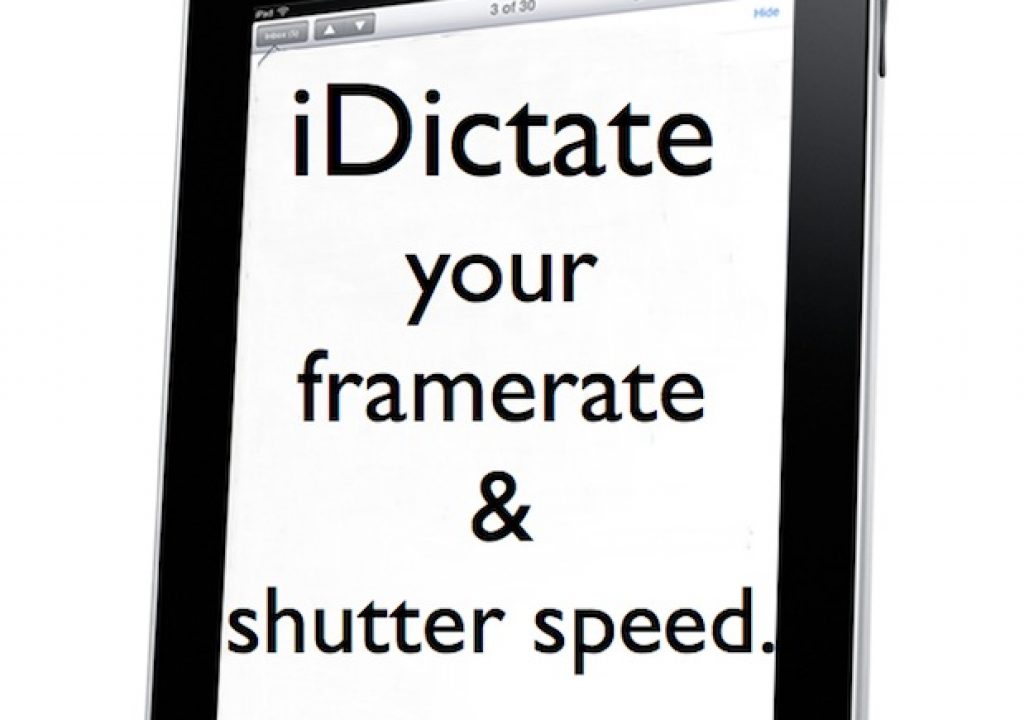
Why the iPad will dictate your shooting framerate & shutter speed
Allan Tépper | 04/23
Back in 2008, I published an article called AppleTV, WDTV, or Blu-ray: Which one is best to distribute your HD project? In the few weeks that have passed since Apple’s launch of the iPad, it has become clear that the iPad will likely be a much more popular content consumption device than any of the other three. In that 2008 article, I explained that the highest HD resolution compatible with the AppleTV was 720p25, despite misinformation on Apple’s own multinational websites, which underrated it at 720p24 (and continue to do so). Fortunately, the iPad beats that, with a maximum published supported framerate of 30. This article is about how the iPad will now dictate your shooting framerate & shutter speed, especially if you want to have a consistent look on all possible outputs, including broadcast TV, the web, and the iPad.
Of course, if you were already shooting (for esthetic reasons) in 23.976p, 25p, or 29.97p, you have nothing to change. However, if you were shooting your standard scenes (not your slow motion scenes) at 50p or 59.94p, you will likely want to re-think that if you expect a good percentage of your potential viewers to be using an iPad, and you want a consistent look on all devices.
Can’t I shoot 720p59.94p and then reduce that to 720p29.97p for the iPad?
Some of you might ask: “Can’t I shoot 720p59.94 and then reduce that to 720p29.97 for the iPad?” The answer is: Yes you can, but the “standard” shutter speed setting for 59.94p is not the same as the “standard” shutter speed setting for 29.97p. If you want all of your audience to see a consistent look (despite the output venue), you should shoot at a consistent framerate/shutter speed for all of your outputs. If that happens to be 29.97p with a 1/60 shutter speed, it will look the same on iPad, on Blu-ray, or on broadcast HDTV, even though on Blu-ray it will be internally double-framed (although likely at a much higher bit rate than in the camera).
50p producers might ask: “Can’t I shoot 720p50 and then reduce that to 720p25 for the iPad?” The answer is: Yes you can, but the “standard” shutter speed setting for 50p is not the same as the “standard” shutter speed setting for 25p. If you want all of your audience to see a consistent look (despite the output venue), you should shoot at a consistent framerate/shutter speed for all of your outputs. If that happens to be 25p with a 1/50 shutter speed, it will look the same on iPad, on Blu-ray, or on broadcast HDTV, even though on Blu-ray it will be internally double-framed (although likely at a much higher bit rate than in the camera).
Shouldn’t the iPad be able to playback up to 59.94p?
It would be nice if the iPad were able to playback put to 59.94p or greater. it would also be nice if broadcast HDTV were able to transmit up to 1080p59.94 or greater. In the meantime, if we want to have a consistent look on all popular venues, we need to make it work consistently with all of them, and that means conforming to the least common denominator.
Panasonic’s AVCCAM incomplete native progressive recording modes
Read the related article: Panasonic’s AVCCAM incomplete native progressive recording modes.
Allan Tépper’s articles, seminars, and audio programs
Get a full index of Allan Tépper’s articles and upcoming seminars and webinars at AllanTepper.com. Listen to his radio program TecnoTur, which is now available both in Castilian and in English, free of charge. Search for TecnoTur in iTunes or visit TecnoTur.us for more information.
Disclosure, to comply with the FTC’s rules
None of the manufacturers listed in this article is paying Allan Tépper or TecnoTur LLC specifically to write this article. Some of the manufacturers listed above have contracted Tépper and/or TecnoTur LLC to carry out consulting and/or translations/localizations/transcreations. At the date of the publication of this article, none of the manufacturers listed above are sponsors of the TecnoTur programs, although they are welcome to do so, and some are already sponsors of ProVideo Coalition magazine.

(Page 1 of 1 pages for this article )
You must be registered to comment. This is an effort to reduce spam. Please REGISTER HERE.
I’ve been able to fudge my way into getting the Apple TV to play back 720p30 beautifully and without hacking.
I encode my 1280 x 720 video to 960 x 720 @ 30fps. Then I’ll take the mp4 or m4v and stretch it horizontally out to get back to 1280x720. Basically the same thing DVCProHD does.
It’s not perfect, but it is noticeably better looking to me than 960 x 540.
Posted by .(JavaScript must be enabled to view this email address) on 04/23 at 01:08 PM
Larsonian/Matt,
That’s a good trick to know for the AppleTV!
I don’t think that anything similar to achieve 59.94p (59.94 fps) on the iPad, since the published 30 fps limit applies even to standard definition footage.
Thanks for reading and for commenting 
Allan Tépper
Posted by Allan Tépper on 04/23 at 01:43 PM
Hi Allan,
Thanks for this and the other related articles. I’ve not needed 24P in the past, in my 12 years as a shooter/producer. But I’m now doing some work for a producer who has a production crew that is shooting in 24P. Insofar as I’m working audio detail with my new Sound Devices 788T, I just observe and learn by seeing the visual production side.
If 24P is what the producer insists on then how does that fit outputting to the iPad?
Also what is best shutter speed for 24P to be consistent with just 24P and also with all output media such as iPad, etc.?
Thanks!
wsmith
Posted by wsmith on 04/29 at 09:56 AM
WSmith,
Sorry if i wasn’t clear.
30p is only the maximum accepted framerate by the iPad. There is no problem with lower framerates.
The “standard” shutter speed used with ±24p (which can be truly 23.976p, the rounded “23.98p”, the rounded “24p”, or the rare-on-video 24.000p) is generally ±1/48th, although some directors of photograpy purposely choose some other shutter speed because the like the look of a different one, either in general, or for a specific scene.
Allan Tépper
Posted by Allan Tépper on 04/29 at 10:14 AM
Thanks Allan,
No, I think you are pretty clear on a rather complex subject. And with your insights It’s all becoming clearer to me.
As your articles are pointing out, the tech hurdles of producing are falling by the wayside with respect to having real, native 24P. I’m starting to be less spooked by the concept of getting my feet wet with producing in that, thanks again to your insights.
Since I got into this biz 12 years ago, the “TV look” has been my bread and butter.
I have no doubt about the looming importance of outputting to the iPad and with producers wanting 24P, I’m grateful for your helping to put it all together in a cogent manner.
Thanks!
wsmith
Posted by wsmith on 04/29 at 10:38 AM
Allan, do you know the maximum bitrate for the iPad playing back H.264 720p video? From the iPad spec page: H.264 video up to 720p, 30 frames per second, Main Profile level 3.1 with AAC-LC audio up to 160 Kbps, 48kHz, stereo audio in .m4v, .mp4, and .mov file formats; MPEG-4 video, up to 2.5 Mbps
To me it seems to specifically say MPEG-4 is up to 2.5Mbps, but from how it’s written, I don’t think that applies to H.264.
Interesting that the 720p frame rate is HIGHER than the Apple TV, so it’s hard to believe it would cap the datarate at half the Apple TVs 5 Mbps
I’m trying to find the best settings for one file to play across FrontRow on a 50” LED, MacBook Pro and iPad, but I don’t have an iPad.
Thanks
Posted by .(JavaScript must be enabled to view this email address) on 05/13 at 10:42 AM
YouTube, Vimeo and other sites that deliver web video use at most 30fps rates, though I’ve heard that there are some sites that claim 50/60fps capability. Nevertheless, 24/25/30fps has been the standard for Web videos for quite some time and I don’t see how iPad changes status quo. It would change it if it allowed 50/60fps.
Also, I thought that normal shutter speed for 60i/60p is 1/60, the same speed as for 30p. So, conforming 60i/60p to 30p works just fine. Same with 50i/50p and 25p. Am I not getting something? Sure, the look of a web video will be different from TV look, but so what?
Posted by .(JavaScript must be enabled to view this email address) on 05/25 at 11:40 PM
I don’t see an issue with shutter speeds. A 1/50th shutter in 50p mode looks the same as 1/50th in 50i. So it is perfectly feasible to shoot 50p with a 1/50th shutter and then halve the framerate for 25p, or reinterlace for true 50i output if you require it, or use it for slow motion in a 25p timeline. It is also easily converted to 24p (albeit with a speed shift).
So 50p with a 1/50th shutter is very versatile. I should also add that if you really did want to shoot 50p with a 1/100th shutter and then convert it to 25p you could easily add one of the filters in Motion that adds back in the motion blur from a slower shutter. Admittedly that requires extra rendering, but it does mean that you are not at a total loss if you absolutely had to use 1/100th for 50p before a 25p conversion.
Posted by Simon Wyndham on 07/10 at 02:56 AM
|