(Page 1 of 1 pages for this article )

Sunday, March 01, 2009

Filed under: CS4Motion Graphics

After Effects Apprentice Video Tutorial #3

Chris and Trish Meyer | 03/01

An introduction to typsetting in After Effects.

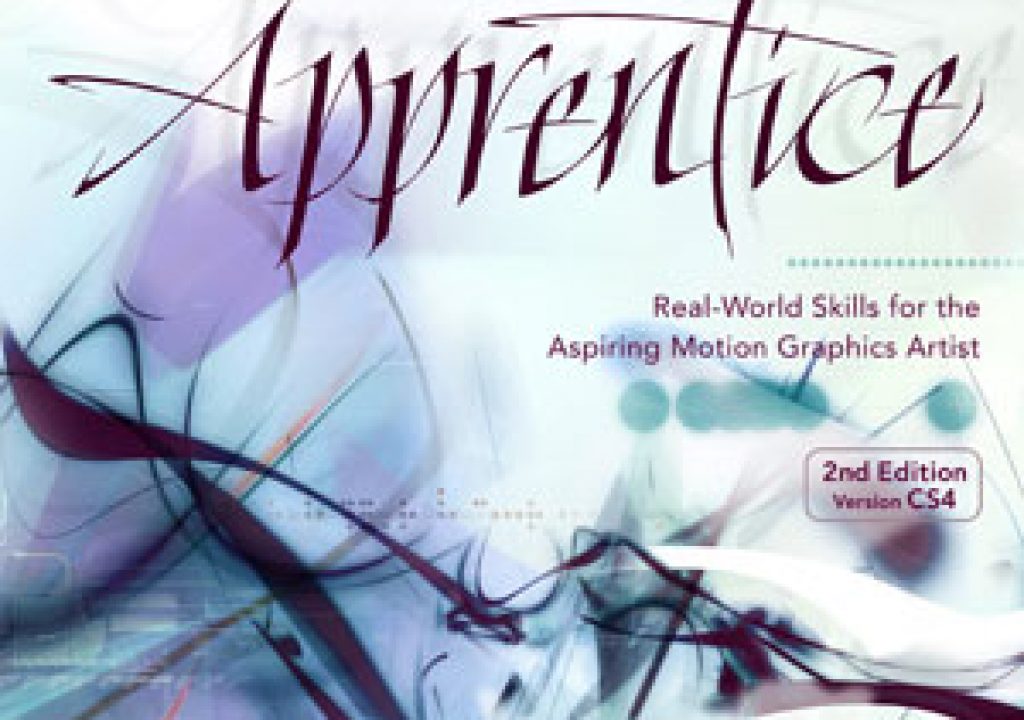
We’ve recently released After Effects Apprentice (2nd Edition). The DVD-ROM that comes with the book includes an hour and a half of video tutorials that provide gentle introductions to major features inside After Effects, such as text and expressions. In this third video, we show the different ways to create and style type, including tips on areas such as kerning that will help your text look more professional. Click on the Play Video link below, and enjoy!

(Note: For those who are hearing-impaired, lynda.com has added Closed Captioning to these tutorials. They are available here. We are also in the process of creating video training for all of the After Effects Apprentice lessons; they will also appear on lynda.com. If you do not have a lynda.com subscription, click here for a free 7-day pass.)

After Effects Apprentice was designed for students looking to learn After Effects from scratch, as well as those who do not use AE full time (such as editors or web designers). It starts gently with an introduction to keyframing, and progresses through the important features (such as masks, mattes, effects, text, audio, 3D space, shape layers, expressions, parenting, and building advanced hierarchies of compositions) until you end up keying, stabilizing, and compositing a shot in high def. The second edition has been fully revamped for After Effects CS4, and includes integration with Photoshop CS4 Extended and Flash Professional CS4.

The content contained in After Effects Apprentice - as well as the CMG Blogs and CMG Keyframes posts on ProVideoCoalition - are copyright Crish Design, except where otherwise attributed.

Click to play audio / video »

(Page 1 of 1 pages for this article )


You must be registered to comment. This is an effort to reduce spam. Please REGISTER HERE.

Name:

Email:

Location:

URL:

Smileys

Remember my personal information

Notify me of follow-up comments?

Submit the word you see below:


After Effects Apprentice Free Video: Exploring Shape Effects
After Effects Apprentice Free Video: Drawing Parametric Shapes
After Effects Apprentice Free Video: The Puppet Starch Tool
After Effects Apprentice Free Video: Eraser Tool Modes
After Effects Apprentice Free Video: Tracking with mochaAE
After Effects Apprentice Free Video: Performing a Motion Track
After Effects Apprentice Free Video: Creating 3D Objects using Adobe Repoussé
After Effects Apprentice Free Video: Understanding Axis Modes
Using After Effects as an Advanced Titler for Premiere Pro
After Effects Apprentice Free Video: Creating an Orbit Camera Rig
CMG Hidden Gems: Chapter 45 – What’s Your Preference?
CMG Hidden Gems: Chapter 44 – Prerendering and Proxies
CMG Hidden Gems: Chapter 43 – Advanced Rendering
CMG Hidden Gems: Chapter 42 – Render Queue
CMG Hidden Gems: Chapter 41 – Video Issues
CMG Hidden Gems: Chapter 40B – 3D Channel Effects
CMG Hidden Gems: Chapter 40 – Integrating with 3D Applications
CMG Hidden Gems: Chapter 39 – Integration 101
After Effects Apprentice Free Video: Multiple Playback Speeds
CMG Hidden Gems: Chapter 38 – Import and Interpret
CMG Hidden Gems: Chapter 37B and 37C – Expressions and Scripting Bonus Chapters
CMG Hidden Gems: Chapter 37 – Expressions
CMG Hidden Gems: Chapter 36B – Audio Effects
CMG Hidden Gems: Chapter 36 – Working With Audio
Upgrading to After Effects CS5.5?
CMG Hidden Gems: Chapter 35 – The Puppet Tools
After Effects Apprentice Free Video: The Wiggle Expression
CMG Hidden Gems: Chapter 34 – Roto Brush
CMG Hidden Gems: Chapter 33 – Paint and Clone
After Effects Apprentice Free Video: What Could Go Wrong?


Expression Shorts - Numerical Readout

David Torno | 02/05

Create numerical readouts for use in HUD style graphics.

image

With this Expression, I will show you how to feed numerical property information…

After Effects Apprentice Free Video: Exploring Shape Effects

Chris and Trish Meyer | 01/31

An overview of five of the simpler shape operators that can turn your basic outline into something quite twisted.

As we mentioned awhile back, we’ve been busy the past year and a half creating an extensive, multi-course video training…

Expression Shorts - Random Words Cycle

David Torno | 01/28

Create a text layer that randomly cycles through words.

image

Learn how to make a text layer randomly cycle through an array of words that…

Adobe teases Prelude at the San Francisco Supermeet, FCPUG changes its name

Scott Simmons | 01/28

The Adobe sneak looks intriguing. Makes me excited for CS6.

From the looks of Twitter last night there were a couple of surprises at the Friday evening’s San Francisco Supermeet. First bit of news I saw was that Final Cut Pro User Group (FCPUG) has decided to drop the Final Cut Pro designation from their name to become the Creative Pro User Group. Second was a sneak peek from Adobe about a new application called Prelude.

To be considered for listing, contact pr (at) provideocoalition (dot) com


Copyright © 2011, HD Expo, LLC a division of Diversified Business Communications. DBA Createasphere

All rights reserved. HD EXPO, High Def EXPO, Createasphere, E-Tech, Entertainment Technology Exposition, 3D Production Workshop, VariCamp, P2 Camp, ColorCamp 101, and Lighting, Filters & Gels for HD are all trademarks of HD Expo, LLC.

Terms of Use  |  Privacy Policy

Check PageRank