

Filmtools
Filmmakers go-to destination for pre-production, production & post production equipment!
Shop NowMultiple approaches to guiding the viewer’s focus.

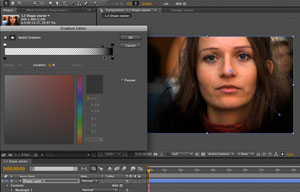
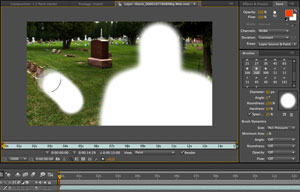
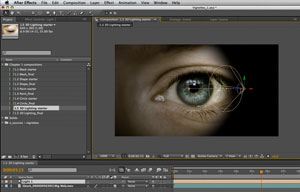
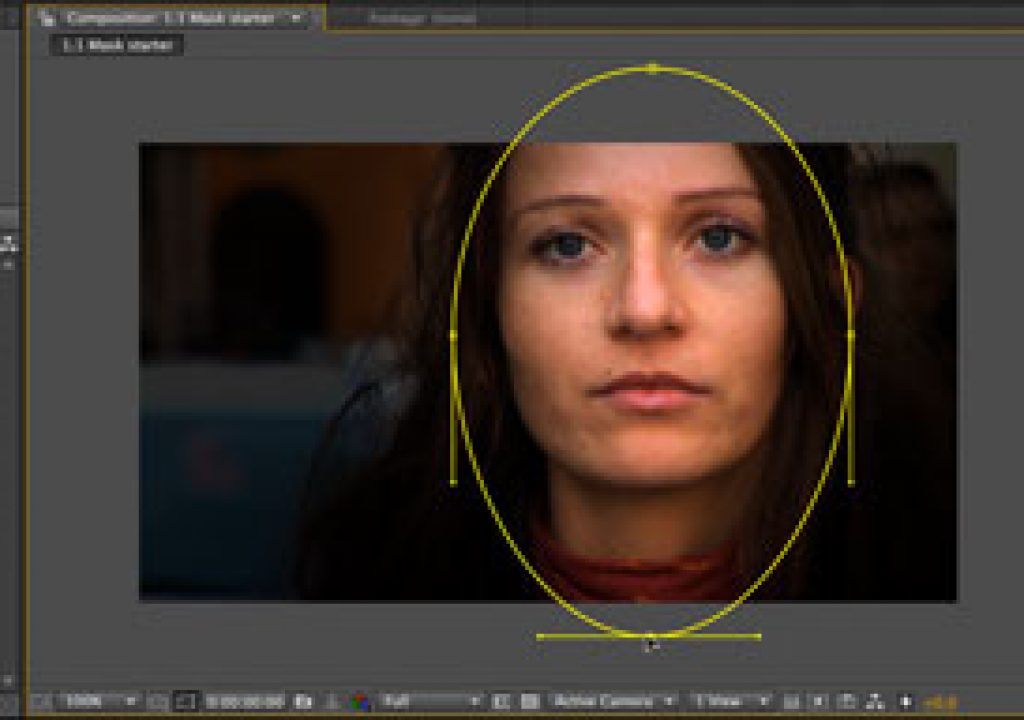
Our most recent video course is After Effects: Extended Vignette Techniques, available exclusively through lynda.com. Creating vignettes – darkening or otherwise treating areas of an image in order to focus the viewer’s attention on your desired point of interest – may not seem sexy on the surface, but it is one of the most universal techniques you can learn. This is another one of our “foundational” courses in that rather than going through one whiz-bang project, we demonstrate a basic technique that you can use over and over again in a variety of situations. Vignettes can be used to better frame your subject, fix a poorly-composed shot, give a vintage feel, create “quiet areas” to overlay text and other graphics, blend an image over a new background, or otherwise creatively treat footage.
In this course, we show several ways to create and use vignettes, while pointing out their pros and cons. Along the way, we also give mini-lessons on:
- masking
- creating shape layers
- editing gradients
- painting in After Effects
- lighting in 3D
- motion stabilization
- using effects such as CC Circle
- …and more
Although created in After Effects CS4, most of the techniques shown may be applied in earlier versions as well. lynda.com premium subscribers have access to the project files and sources used in this course (by the way, they just started offering monthly premium subscriptions, rather than having to subscribe for the whole year at that level).
If you’re not a member of lynda.com and want to check it out, you can get a free 7-day all-access pass here.
The content contained in our books, videos, blogs, and articles for other sites are all copyright Crish Design, except where otherwise attributed.