Part Three: Video Editing & Animation with Photoshop CS4/CS5 Extended Series

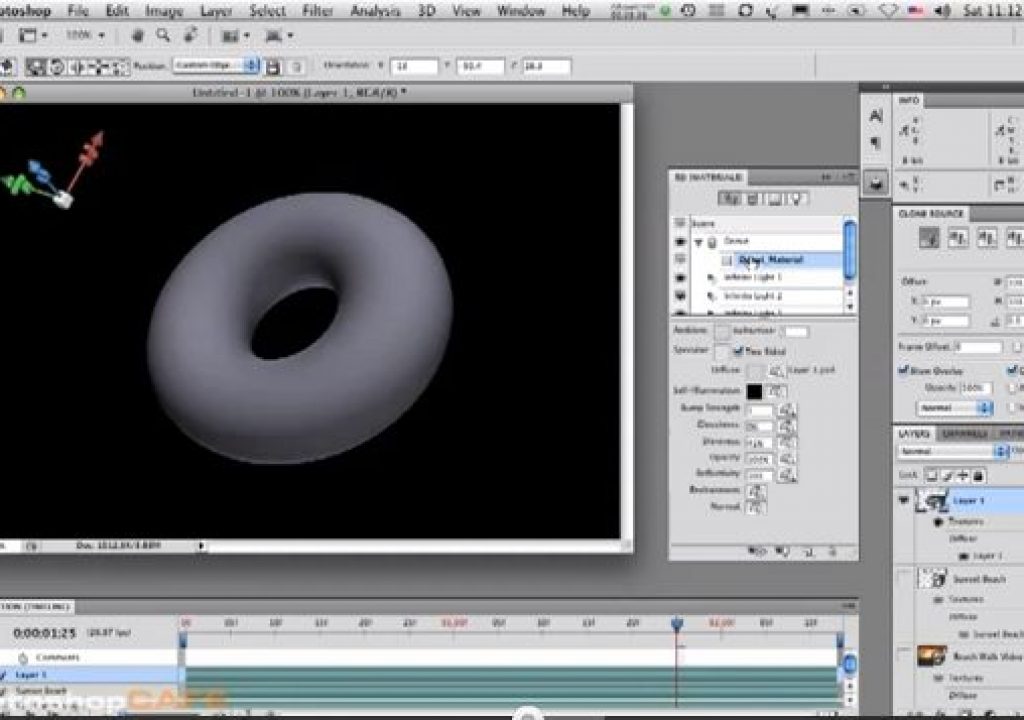
Not only can you manipulate video layers in 3D space in Photoshop CS4 and later, but you can create 3D objects from primitives and import 3D models. In this FREE 12-minute tutorial from my Video Training DVD Photoshop CS4/CS5 Video & Animation, I give you an overview of the 3D workspace and how you can create, manipulate and modify 3D layers and tools right inside of Photoshop.
This Video Tutorial is best viewed in large window or full screen in YouTube:

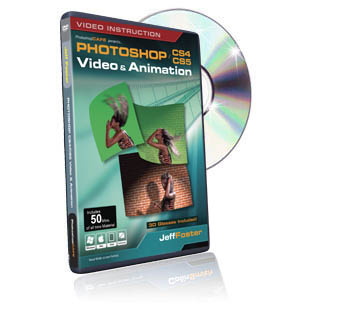
This tutorial and many others from this series are available in step-by-step video instruction with Photoshop project files and source images/movies on my Video Training DVD from PhotoshopCAFE, titled: Photoshop CS4/CS5 Video & Animation
Jeff Foster is a published author of several how-to books and training videos in the motion graphics, animation and video production industries and is an award-winning video producer and artist. Visit his web site to learn more about his training methods, tips & tricks at PixelPainter.com


Filmtools
Filmmakers go-to destination for pre-production, production & post production equipment!
Shop Now