(Page 1 of 1 pages for this article )

Sunday, October 30, 2011

Filed under: GentryMedia Sister SitesProVideo Coalition

After Effects Script of the Week: Add Parented Null to Each Selected Layer

Mark Christiansen | 10/30

A simple script to do a simple thing, simply, and a good learner script to set your own variables.

Past (and future) scripts of the week involve custom UI’s and detailed feature sets. We’re a few months into this series and there are some huge ones I haven’t even covered yet, because I also want to give weight to the ones that simply convert half a dozen steps into one.

This week’s SotW is a two-fer: Add Parented Null to Each Selected Layer, and Add Parented Null to Selected Layers. The former adds a null at the center of the comp to each layer that you select prior to running it directly from File > Scripts. The latter differs only in that it creates a single null for all selected layers.

This script is most useful when you’re rapidly setting up a comp that will have a hierarchy of dependent animations. By having a bunch of nulls set up before you start moving things around, everything works more straight-forwardly than it does setting them up later.

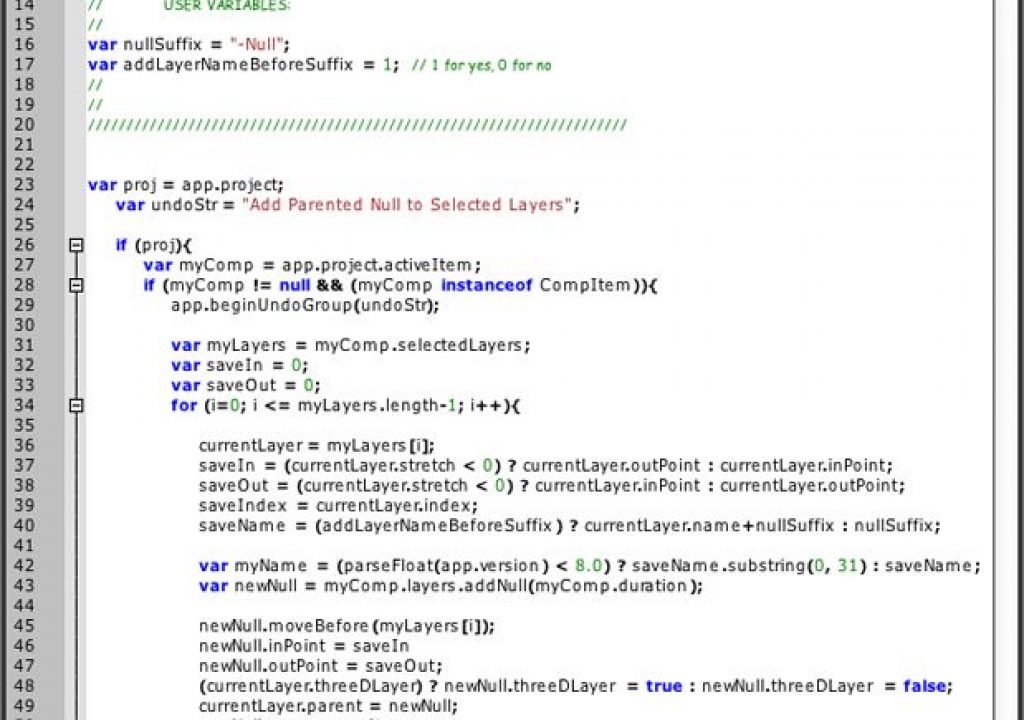
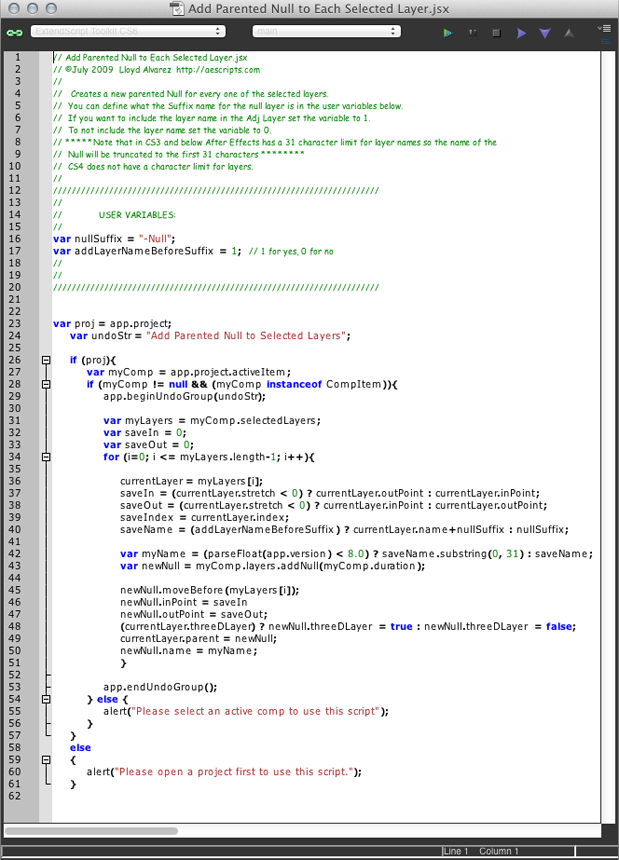
One thing you won’t immediately notice about Add Parented Null to Each Selected Layer is that if you open the script in ExtendScript Toolkit (or your text editor of choice), Lloyd Alvarez, the author of the script (and maven of aescripts.com) provides two user variables that are ready to customize, with instructions on how to create custom names. There are two variables - one that determines whether the layer name is included with the null (on by default), the other to specify what the null is called after that layer name (default is “-Null” but you can replace it with “-Pivot” or “-Center” or even “-Bob” if you prefer.

image

(Page 1 of 1 pages for this article )


You must be registered to comment. This is an effort to reduce spam. Please REGISTER HERE.

Name:

Email:

Location:

URL:

Smileys

Remember my personal information

Notify me of follow-up comments?

Submit the word you see below:


Adobe Media Encoder - another hidden gem?
After Effects Script of the Week: Add Parented Null to Each Selected Layer
Use Dynamic Link to bring Warp Stabilizer to Premiere Pro CS5.5
After Effects Script of the Week: Tracker2Mask
After Effects Script of the Week: rd_MergeProjects
After Effects Script of the Week: Get Sh*t Done
After Effects Script of the Week: pt Panorama
After Effects Script of the Week: pt TextEdit
After Effects Script of the Week: Change Render Locations
After Effects Script of the Week: pt ExpressEdit
After Effects Script of the Week: MochaImport
After Effects Script of the Week: KeyTweak
After Effects Script of the Week: pt EffectSearch
After Effects Script of the Week: Immigration
Script of the Week: Shortcut Key Reference
Script of the Week: True Comp Duplicator
Script of the Week: 3D Extruder
Script of the Week: BG Renderer
Introducing: After Effects Script of the Week
Red Giant’s newest Plot Device: Magic Bullet Looks 2
Free Stereo Footage from Artbeats, and an After Effects tutorial showing how to use it in CS5.5
Premiere Pro for DSLR in a few easy steps
ASSIMILATE announces Mac support for SCRATCH, updates product line and prices
After Effects CS5.5 in Production
ASSIMILATE SCRATCH first out of the gate with RED Epic HDRx support
Foundry Releases CameraTracker and Kronos 5.0 Plug-ins for After Effects
Innovation and Cinema 4D Part Two: William Dudley on Virtual Sets
Innovation and Cinema 4D Part One: William Dudley and Peter Pan 360°
Pixel Farm to Launch “Radical New Approach to Tracking” at SIGGRAPH
The Foundry unveils 3D Camera Tracker for After Effects


Expression Shorts - Trigger Event Based On Layer’s Speed

David Torno | 02/18

Use one layer’s speed to trigger another layer event or animation.

image

In this episode we look at how how fast a layer…

Expression Shorts - Wiggle Only One Direction

David Torno | 02/12

Wiggle a multi-dimensional property in only one direction.

image

The most popular After Effects expression that nearly EVERYONE uses…

2D Footage with a Stereo 3D Rig in After Effects CS5.5

Jeff Foster | 02/10

Edit and Optimize 2D Stereo Pairs from a 3D Video Camera or Twin Cameras with a Modified Stereo 3D Rig in After Effects CS5.5

Adobe included a 1-step option to create a 3D Stereo Camera Rig in After Effects CS5.5, to everyone’s enthusiasm for a simpler workflow in 3D space. Great if you are working in 3D space in After Effects, but what about an easy option for 3D Stereo pairs captured by a 3D camera…

Expression Shorts - Numerical Readout

David Torno | 02/05

Create numerical readouts for use in HUD style graphics.

image

With this Expression, I will show you how to feed numerical property information…

To be considered for listing, contact pr (at) provideocoalition (dot) com


Copyright © 2011, HD Expo, LLC a division of Diversified Business Communications. DBA Createasphere

All rights reserved. HD EXPO, High Def EXPO, Createasphere, E-Tech, Entertainment Technology Exposition, 3D Production Workshop, VariCamp, P2 Camp, ColorCamp 101, and Lighting, Filters & Gels for HD are all trademarks of HD Expo, LLC.

Terms of Use  |  Privacy Policy

Check PageRank