
(Page 1 of 1 pages for this article )

Thursday, August 27, 2009

Filed under:

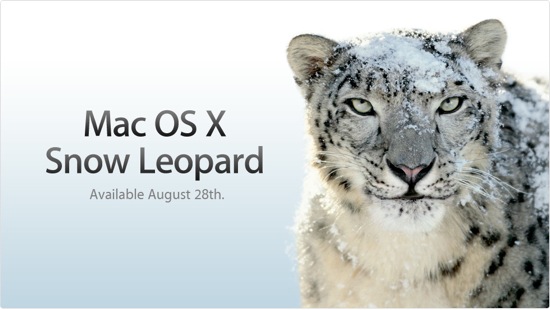
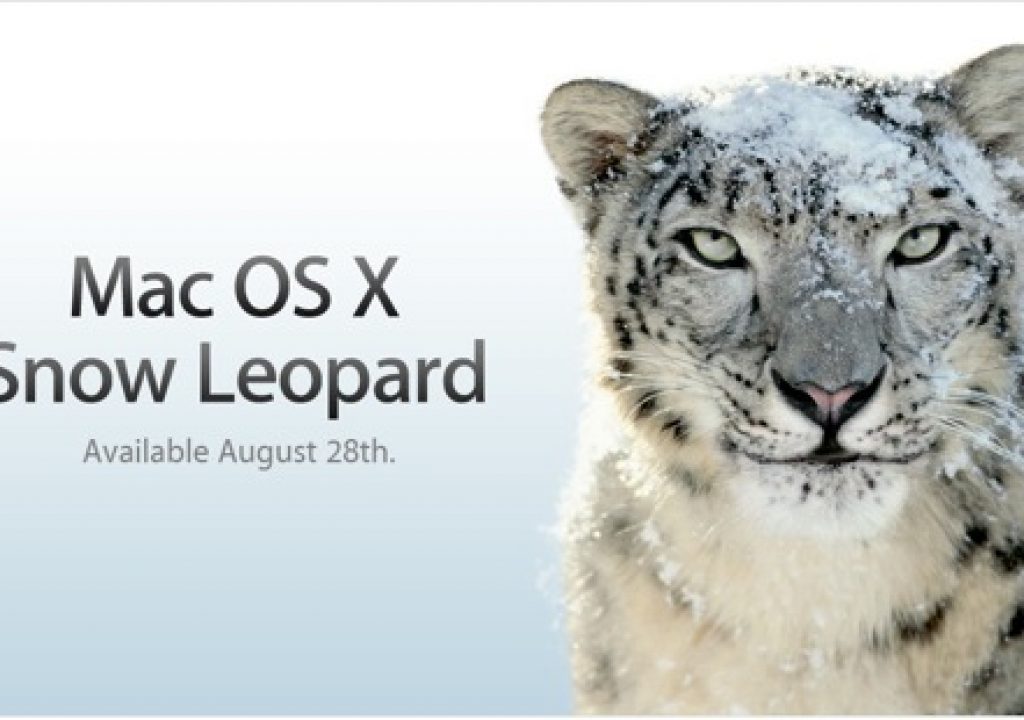
A few Gotchas with OS X 10.6 Snow Leopard

Mike Curtis | 08/27

Overall faster, but some QT gotchas and compatibility list

OK, a quickie:

Snow Leopard is speedy according to the reviews I’m reading, but of particular note for us -

(Suspense! More after the jump)

1.) QuickTime has a slick new visual interface, but loses a lot of cool things we use regularly, like timecode display, markers on timeline for trimming to copy/paste to edit, and I’d imagine some other goodies are missing. I’ll bet this goes like the iMovie redo - the features will come back, but over time. In the meantime, go into Utilities folder and somewhere in there should be a copy of the QuickTime 7 Pro application (if you had Pro installed before).

2.) Check out the wiki on what apps work and which ones are brokered by Snow Leopard here.

3.) Overall, Snow Leopard will offer speedier stuff in general (Finder, Mail, Safari, etc.), is only $30 - good deal. BUT I’d recommend NOT diving in on any production machines! I always upgrade my laptop first and doodle there before upgrading any of the towers. Wait for reports before diving in, as usual.

4.) Snow Leopard is INTEL ONLY (as is Final Cut Studio 2009), so start looking at G5s with that “I’m so over you.” look about now.

5.) I’ll not be posting next week, as I’ll be out camping in the hinterlands beyond reach of intarwebs, cell phones, and everything short of smoke signals. I’ll also not be in installing until I’m back

5.5) Technologies like OpenCL (Open Computing Language, which lets programmers use the super speedy GPU instead of CPU for processing) and Grand Central (which better allows for more efficient use of multiple processor cores) will allow FUTURE apps to run faster once implemented, but do NOT accelerate apps that weren’t specifically written for it. Same for the 64 bit goodness throughout the OS and apps.

6.) Random note - I ordered a Nikon D300S DSLR (I’ll be selling my D90 soon, anyone interested?), looking forward to digging into timelapse HDR all in the body, rather than relying on a laptop attached to the camera…all once I’m back….

(Page 1 of 1 pages for this article )


You must be registered to comment. This is an effort to reduce spam. Please REGISTER HERE.

I am disappointed in what the new QT is taking from the old. How can this be defended?

Posted by .(JavaScript must be enabled to view this email address)  on  08/27  at  09:20 PM


It’s defended the same way the lack of Express34 in the new Macbook Pros is defended—if the large majority of your user base doesn’t use it, then they’ll scrap it at the expense of the minority. It’s not a terrible loss—anything that we lose in QT player we can still do in the FCS apps themselves.

Posted by .(JavaScript must be enabled to view this email address)  on  08/27  at  10:17 PM


You will find Quicktime 7 on the Snow Leopard DVD. No loss. But I do hope , and expect , that Apple will add those features back in.

Posted by .(JavaScript must be enabled to view this email address)  on  08/28  at  11:39 PM


The biggest things I’ve been disappointed with QT X so far are the changes to the hotkeys.  As a long-time Final Cut user, I was thrilled when j-k-l navigation became possible in QT and I’m a big hotkey user in general so I became immediately aware of the changes in QT X.  JKL shuttling is gone and has been replaced by 2x-16x forwarding and rewinding through command+direction keys.  More intuitive for many users I suppose, but I don’t see why they couldn’t have just left JKL in as well for those of us that had become accustomed to navigating our footage that way.  Also, video sizing has changed.  Command+1 and command+3 still size your video to either normal size or fit-to-screen, but there is no command+2 for double-size anymore.  Now you have to use command with the plus and minus keys for incremental video sizes.  Again, why not add the new functions while keeping the old?  All in all, I’m okay with the new interface (it is a bit cleaner), but I don’t know that I feel it really makes video playback any better or more intuitive and honestly feels like a sideways step for me rather than a step forward.  Add that to the hotkey changes and I’m already finding myself leaning toward continuing to use QT 7.  Just my $.02.

Posted by .(JavaScript must be enabled to view this email address)  on  08/29  at  02:31 PM


Hey, Mike -

I had stunning results in After Effects (from CS4) after installing Snow Leopard. (I have an 8-core Intel Mac Pro with an NVIDIA GeForce 8800 GT.)

I had used Trapcode’s Particular 2 in a 20-second animation; before SL, it took 31 minutes; after I remembered to check the preference to “allow rendering multiple frames at once”, it took just under 8.

After I installed Snow Leopard, I thought to run it again; this time - wait for it - it was done in 54 seconds! Cowabunga!

Count me in as one happy camper.

Posted by randyman  on  09/01  at  02:36 PM


Name:

Email:

Location:

URL:

Smileys

Remember my personal information

Notify me of follow-up comments?

Submit the word you see below:


Advertisements


Copyright © 2011, HD Expo, LLC a division of Diversified Business Communications. DBA Createasphere

All rights reserved. HD EXPO, High Def EXPO, Createasphere, E-Tech, Entertainment Technology Exposition, 3D Production Workshop, VariCamp, P2 Camp, ColorCamp 101, and Lighting, Filters & Gels for HD are all trademarks of HD Expo, LLC.

Terms of Use  |  Privacy Policy

Check PageRank