

Filmtools
Filmmakers go-to destination for pre-production, production & post production equipment!
Shop NowReheating old features you forgot you had…

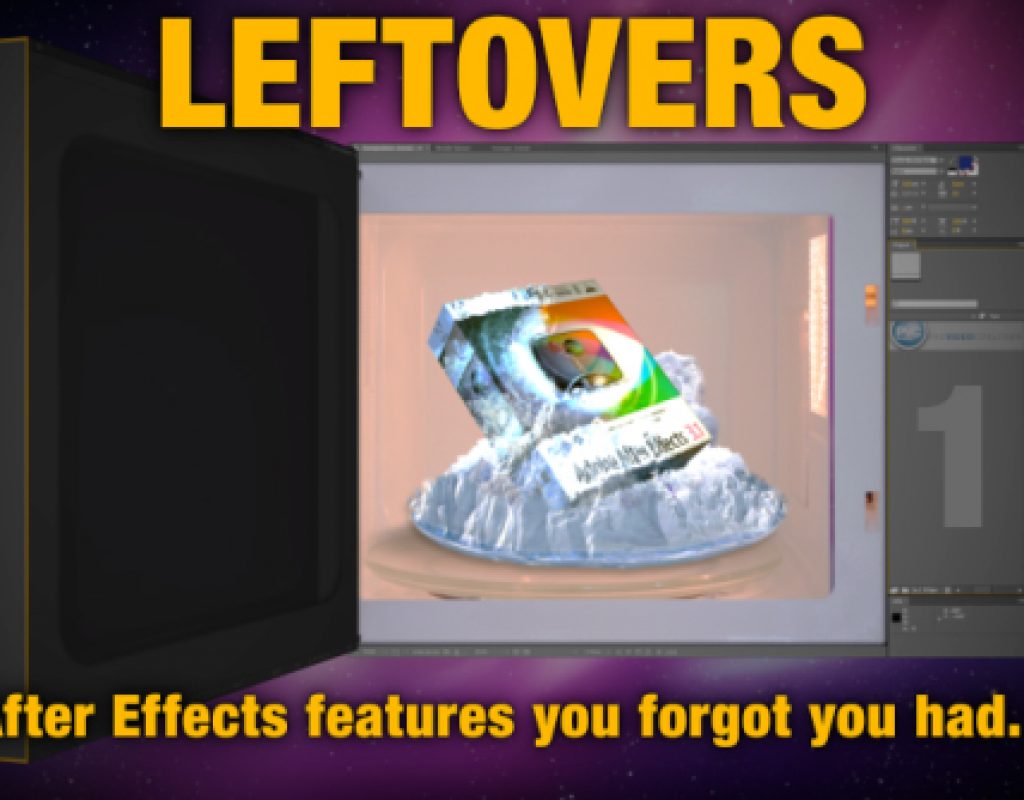
This 5-part series looks at a selection of features that were in After Effects before CS5 but have been often overlooked. A total of 40 tips, tricks, workflow suggestions and general reminders are given covering topics including layout, masking, painting, rendering and even using the interface.
After Effects has been around for over 17 years and with the recent release of CS5 it’s now up to version 10. Every new release brings new features and some have received more attention than others.
Everyone works differently. I’ve been using After Effects for over 13 years and I haven’t met anyone who does things exactly the way I do. Having worked for many different companies- even in different countries- I’ve had the chance to pick up lots of tips and tricks and to learn from people who approach After Effects in their own way. I always find it interesting to see which features of After Effects are well known and which are not, even though they might have been in After Effects for many years.
The 40 tips in these 5 videos are a personal list of mine, based on features I find useful but that I also find are often overlooked. Your list will no-doubt be different. I’ve chosen these 40 tips because they fulfil the following criteria:
– it’s something I use often and find very useful
– it’s something that I have often shown others who weren’t aware of it
I’ve purposely avoided keyboard shortcuts and plugins. After Effects has hundreds of keyboard shortcuts and they’re all useful, so it’s too difficult to pick a handful that are both unknown but very useful- the same goes for plugins. Maybe for the next series…
I tried to keep these videos as brief as possible without getting bogged down in lengthy explanations and examples, and some of the projects and presets which I demonstrate are available to download from my website.
I’d like to think that by the end of the series you’ll have learnt something you didn’t know before, or have been reminded of features you’d forgotten about. And if you’ve got your own favourite feature that you think may be feeling neglected, then please share it in the comments below.
Adobe’s Todd Kopriva has pointed out that my use of the term ‘transfer mode’ identifies me as an old-timer! Adobe have been using the term ‘blending modes’ for some time now, I’m just a bit slow to catch on… But to clarify – a ‘blending mode’ and a ‘transfer mode’ are different terms referring to the same thing.
(click the ‘full-screen’ icon for best results)
After Effects Leftovers – Part 1
After Effects Leftovers – Part 2