

Filmtools
Filmmakers go-to destination for pre-production, production & post production equipment!
Shop Now$299 gets you access to three days of training from top instructors as well as access to the sessions after the event ends.

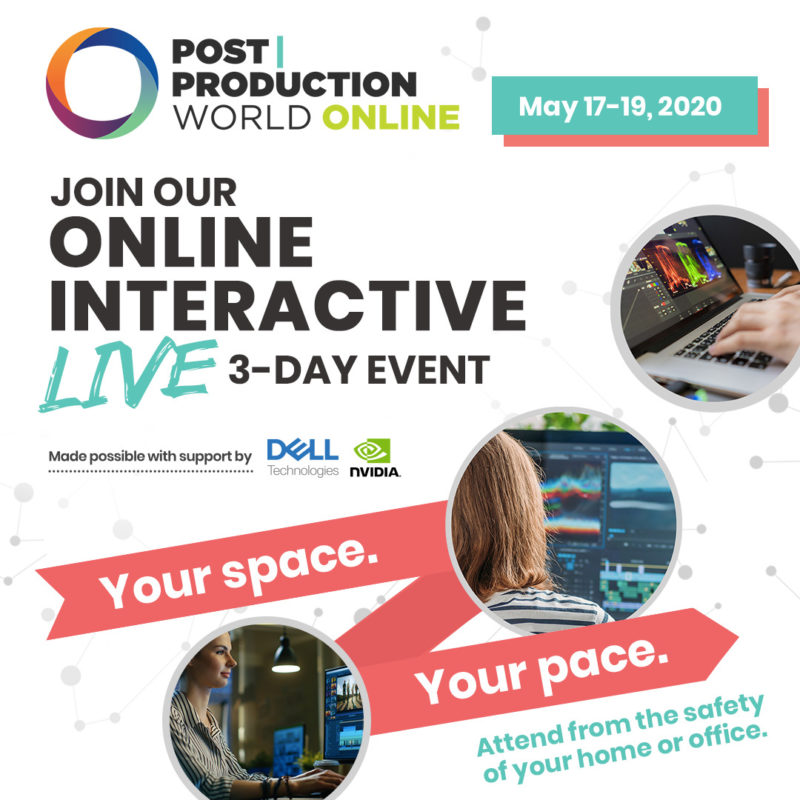
When NAB Show canceled one of the biggest benefits of the yearly meetup in Las Vegas canceled with it; Post|Production World. The PPW education conference has run alongside NAB for many years and has been an incredible learning opportunity for hundreds of thousands of media and content creators. Before I was lucky enough to begin teaching at PPW I attended as a student and met some wonderful people while learning valuable skills. Here at PVC we’ve tried to keep some normally to the NAB time of year with our NAB-AT-HOME coverage. The NAB Show itself is also going online for NAB Show Express that will run May 13 and 14.
Did we mention that we have LIVE raffle prize drawings every day of the P|PW Online conference? Courtesy of our partners, @DellTech & @Nvidia, we will giveaway a Dell Mobile Precision Workstation! Your registration includes automatic entry into raffle giveaways! 🎉 #PPW2020 pic.twitter.com/wzT85agStg
— Future Media Conferences (@FMC_Conferences) April 27, 2020
But what about Post|Production World? We are taking it online.
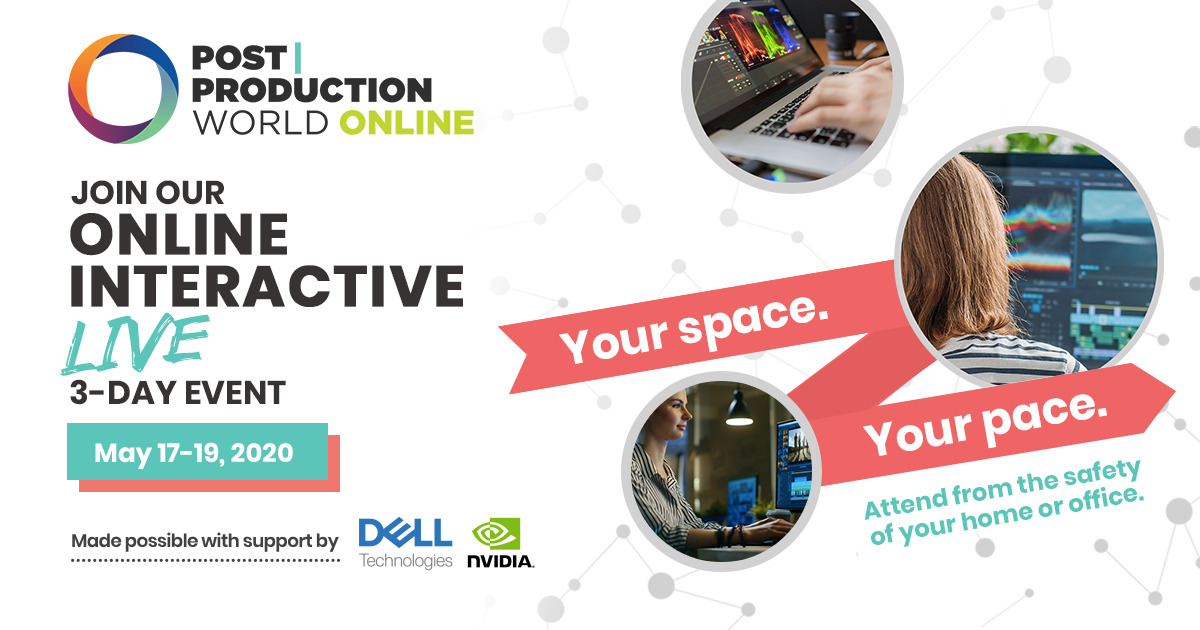
This year the conference has gone virtual with Post|Production World Online and it’s happening May 17 – 19; 2020. This was announced a few weeks ago and the program has been taking shape since. There are different tracks that will run from Sunday through Tuesday including individual classes, keynote speakers and roundtable and panel discussions. It’ll be very much like the real PPW we know and love … only virtual. Tracks include production, post-production, VR & AR as well as new media, emerging technology and business.
Of special note is the recently added track called The Apple Ecosystem for Filmmakers. This is a two-day track (Sunday and Monday) dedicated to all things Apple for media creation. The Apple Ecosystem for Filmmakers is a free track and can be taken separately from the full PPW Online event.
The cost for the full PPW Online event is $299 and you can register here. That registration gets you access to all live sessions during the 3-day event as well as access to all recorded sessions for 120 days after the live event.
You can check out the full program as well as browse the many speakers and teachers who will be part of the event. You can join me for a look at The New Avid Media Composer or sit in for some tips and tricks for how an editor Moving to DaVinci Resolve. You can also check out how it works for details on how what PPW Online will be like.
Would you like to attend for free?
PVC has a few codes to give away to our readers. Comment below in let us know why you’d like to attend PPW. You have to enter a real email address to comment on this commenting system. Those email addresses are always kept confidential. PVC will reach out via that email address to the first few who comment below and let us know why they would like to attend with a free pass.
Looks like we’ve got our limit of free codes in the comments below.
Here are a few of the keynotes as part of PPW Online:
JOKER Cinematographer & A Camera Operator, Lawrence Sher and Geoff Haley join as keynote speakers for P|PW Online! Join their interview to hear how their roles worked together to further the storytelling and the Director’s vision while producing, JOKER. https://t.co/esa7tyjb9R pic.twitter.com/Pjl8JuwcrP
— Future Media Conferences (@FMC_Conferences) April 30, 2020
Just Announced! Maryann Brandon, DGA, ACE joins as keynote speaker for P|PW Online! Maryann edited the films Star Trek, Star Wars: The Force Awakens, and is currently working on Venom: Let There Be Carnage. Register now to attend: https://t.co/1Kc21rIBQx pic.twitter.com/L0bLdV5Ims
— Future Media Conferences (@FMC_Conferences) May 1, 2020
Emmy Award-winning director and designer, @theChrisDo, joins as keynote for Post|Production World Online! Chris Do is the founder of @TheFuturisHere and design consultancy, @BlindLA. His agencies are known for their branding and design skills. Learn more! https://t.co/niv7latRfA pic.twitter.com/Ws7qXPKe20
— Future Media Conferences (@FMC_Conferences) May 2, 2020
Just Announced! Joining us as keynote is Vashi Nedomanksy, ACE! @vashikoo has edited 11 feature films including “6 BELOW: Miracle on the Mountain,” “Sharknado 2,” & the comedy “An American Carol.” Join us on May 17-19! https://t.co/F01huDtMat pic.twitter.com/rkZ1M9d2G9
— Future Media Conferences (@FMC_Conferences) May 7, 2020
We are pleased to announce a few of our production session speakers from @AbelCine, Nic Somera & Rey Reyes! They will share their expertise as camera operators during their sessions on “Directing Camera Movement.” Take a look at the full production track: https://t.co/if47hRHSG7 pic.twitter.com/JfG2eukGRW
— Future Media Conferences (@FMC_Conferences) May 8, 2020