

Filmtools
Filmmakers go-to destination for pre-production, production & post production equipment!
Shop Now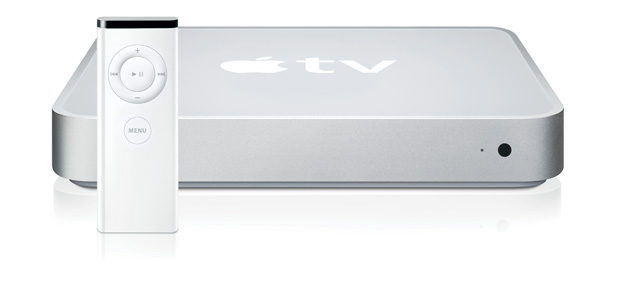
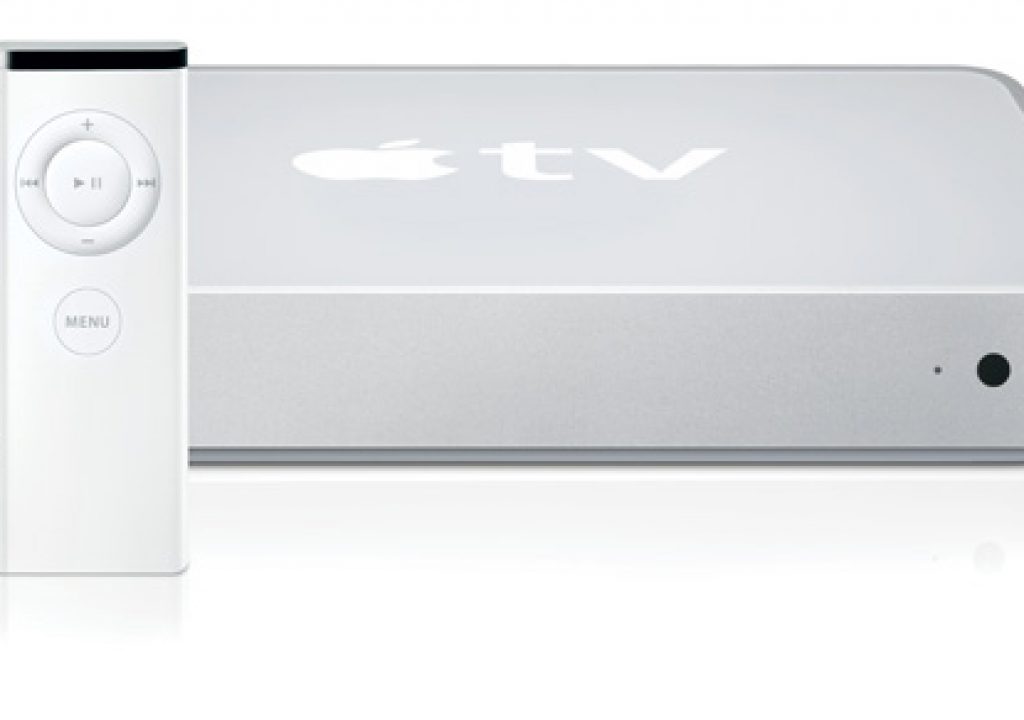
Image courtesy Apple
My production company, like many of yours, has jumped with both feet into the HD waters. Production is easier than ever with great tapeless acquisition formats. Post keeps getting simpler with powerful desktop solutions and great breakout boxes. Seems like the only place it really falls apart is the client review stage.
Sure, you can compress HD clips for web delivery. Problem is most clients don’t have the monitor resolution, RAM, etc. to view HD (and don’t even get me started on color and contrast issues with the average PC monitor). You could burn a Blu-ray disc, except at $12 a pop (plus rush courier) that gets pretty expensive (and time consuming). So what’s a discerning post company to do? No the answer is not VHS… it’s Apple TV.
What is Apple TV
Right now your either nodding your head in agreement or shaking it in disbelief. The Apple TV seems to be one of only a few products to come out of Apple that didn’t achieve rave reviews and mass success. Steve Jobs even referred to Apple TV as a “hobby” but don’t let that fool you. This under-performer is more like the Cube and less like the ROKR.
Apple shipped the Apple TV in March of 2007. The product received fair reviews, but not widespread adoption. Fortunately the product received a major overhaul the following year (called Take Two) with tons of new features and stability added. The product is designed from the ground up to be a media lover’s dream:
- 40 or 160 GB hard drive
- HDMI or Component Video connections (DVI with adapter)
- WiFi connection (G & N speed)
- HD playback (up to 1280 X 720)
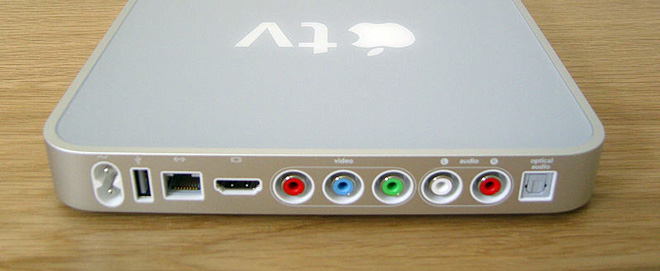
image by David Kidd
We’ll explore the tech specs in greater detail in a moment. First though… why should you care? Let’s take a look at 3 scenarios we employ that make the $229 or $329 price tag a no-brainer.
Within the Edit Facility
A typical scenario is the need to review an edit. This might be an internal review with a producer or with the client present. While there are certainly times to pull everyone into the edit suite, that approach often leads to your money generating rooms being tied up for long meetings. An easier approach that we employ is to drop an Apple TV into your conference room or producer bullpen.
What makes this approach work is Wi-Fi and Ethernet. You can connect up to 6 machines right through iTunes to the Apple TV. One library is Paired (and supports syncing) and the other five are Shared (which allows for streaming or progressive download). The only requirement is that you have iTunes up to date and the computers on the same network (connection types can be either Wi-Fi or Ethernet). When you launch iTunes you can choose to connect to the Apple TV and just enter the code you are given to pair the devices.
Once they’re paired, it’s a snap. You can browse the shared machines iTunes library right through the Apple TV. All this means is that you need to export a MPEG-4 file using an Apple TV preset and drop it in your iTunes library. We simply hook up our edit suites right to the Apple TV so the editor can just drop review copies into their library. This process is fast too, just add an Elgato Turbo.264 HD and your movies are ready in faster than real-time (more later on this cool device).
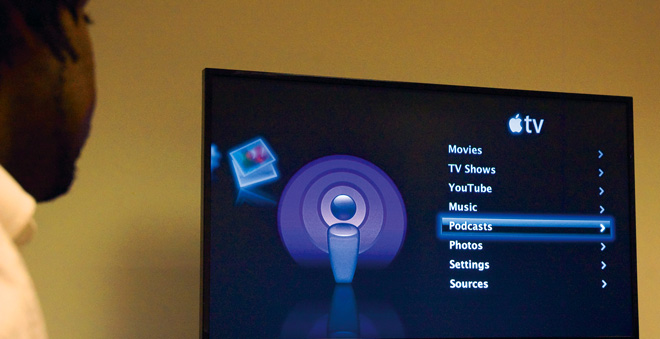
Back in the conference room, you can browse the connected libraries and look for clips to watch. The editor can even make a playlist with multiple items queued up for your session. While it may seem like extra work, we find its more profitable to let the edit suites edit and to review rough cuts and screeners in the conference room. You should reserve the edit suite reviews for color-critical viewing and listening to the final mix.
Remote Review and Approval or Viewing
While conference room review and approval is nice, what clients want is HD at their location. If you have an on-going relationship with a client, you might consider rolling an Apple TV into the budget (its about the same cost as authoring and rush couriering two Blu-ray discs – and even cheaper than many Blu-ray players). There are a few ways to implement portable HD using the Apple TV, so pick the method that works best for you.
- Direct Deliver – You can send media files right to the client with a service like YouSendIt. They’ll need to sync the files using a shared iTunes library. This method works well for tech-savvy clients.
- Create a Private Podcast – You can make a podcast for your client that has an unpublished RSS address. They’ll have to subscribe on a Mac or PC in their office, but the videos will be shown one the two devices are shared. Services like mDialog make it very easy to encode and publish for Apple TV with their Narrowcast feature.
- Create a Public Podcast – You can set up a podcast and browse the iTunes Store. Clients can then download directly the programs they want. Only problem is, so can others. So just keep that in mind. This last option works well when the video is meant to be easily shared.
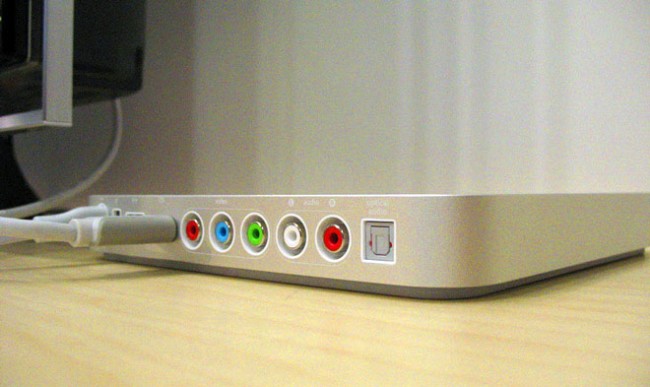
photo by by Lucius Kwok
Tradeshows and Events
You might recall that the Apple TV does have an internal hard drive. Normally you fill this by syncing with a machine on your network (or by downloading content from the iTunes store). The thing is you can sync in the office, then unplug. When you do this, the content will stay in place.
If your client needs HD playback for a meeting, tradeshow or event, you can preload the Apple TV for them. This solution is much cheaper than authoring discs. In fact the larger Apple TV easily holds 75 hours of HD content (far more than you should ever need).
Encoding Specifications
The specs for Apple TV are very straight-forward (especially if you’re used to making a podcast. The files use standard MPEG-4 files with the H264 codec. The determining factor for playback size is the frame rate of the original file.
Standard Definition
640×480, 30fps > 640×480, 30fps, @3mbps
High Definition 24 fps
1280×720 24fps > 1280×720, 24fps @5mbps*
1920×1080, 24fps > 1280×720, 24fps @5mbps*
High Definition 30 fps
1280×720, 30fps > 960×540, 30fps @4mbps*
1920×1080, 30fps > 960×540, 30fps @4mbps*
Encoding Solutions
There are LOTS of ways to make file for Apple TV. You’ve got free solutions and paid solution… the distinguishing factor is generally speed.
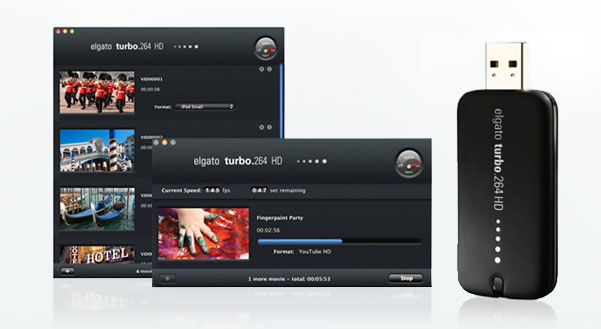
image courtesy Elgato
- Apple – Apple has woven support for Apple TV encoding throughout their software. You can use QuickTime Pro, iTunes, Compressor, and even iMovie to generate a file.
- Elgato Turbo.264 HD – This USB dongle is priced at $149 and is worth every penny. It allows for batch processing and rapidly accelerates the encoding. The dongle does much more than Apple TV compressions (we have four in our studios alone).
- mDialog mLoader – This service provide provides a free hosting plan to try out, most pros can get by with the $49 a year option for client screeners. Upload your HD video using their mLoader software and it converts it to an Apple TV, web, and mobile formats. Oh, you can also use their service to narrowcast videos direct to your client’s iPhone and iPod touch devices. We’ve used this service for sometime at my shop and its rock solid. The mLoader can also use the Turbo.264 HD to accelerate its encoding.
- Adobe Media Encoder – On a PC or prefer Creative Suite? The Adobe Media Encoder has handy presets for Apple TV output as well.
The Bottom Line
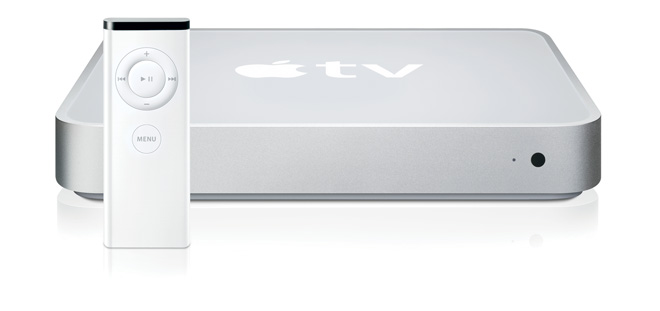
image courtesy Apple
The Apple TV is a poorly understood device with a lot of potential. I’d love to see it open up a bit more to allow direct delivery of video, but it’s still a great value and relatively easy to use. It’s an absolute no-brainer to have one in every conference room for video production companies, PR firms, and as agencies. You’ll have to do a little work to train your clients (it’s about as hard as syncing an iPod). But the cost and time-savings are well worth it. HD delivery powered by the Net with no wasted time authoring shiny discs or dollars spent on express delivery. I highly encourage you to check it out.