

Filmtools
Filmmakers go-to destination for pre-production, production & post production equipment!
Shop Now
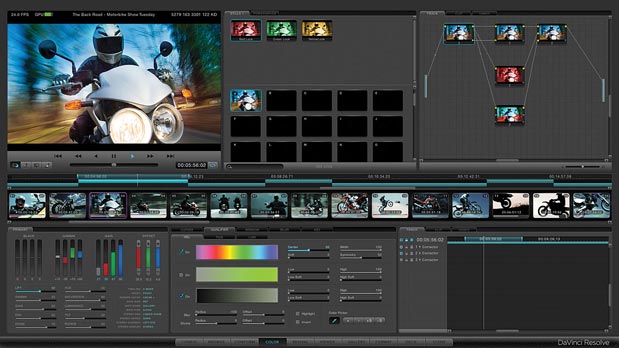
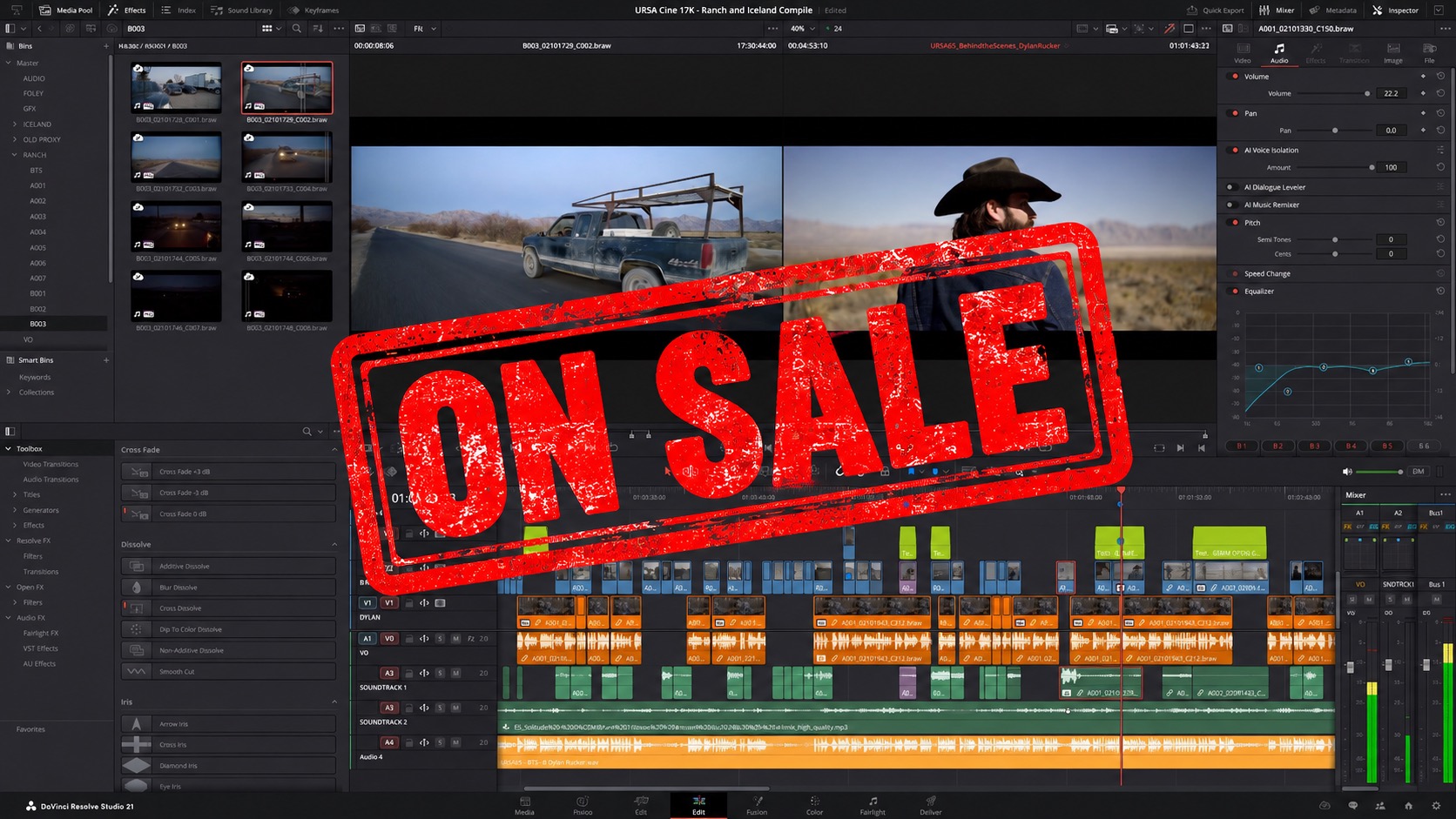
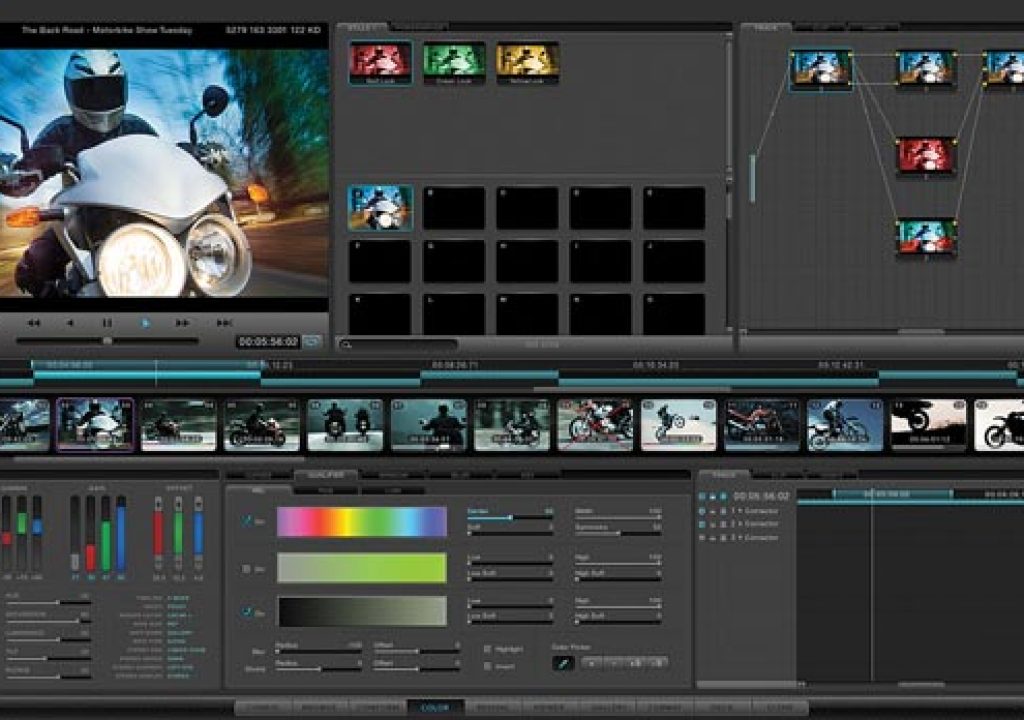
Blackmagic Design has posted DaVinci Resolve Lite, a free version of BlackMagic’s $995 DaVinci Resolve for Mac (download). Both Steve Oakley and Resolve training through his Tao of Color website, which might be needed because the UI of Resolve doesn’t follow UI conventions of Mac or Windows. Alexis Van Hurkman also has free DaVinci Resolve training on his website; check out his intro to Resolve below from a recent SuperMeet. Note also that XML interchange with Premiere is problematic at the moment because the programs use different subsets of the FCP spec.
Here are some details from NAB and the Blackmagic press release:
“DaVinci Resolve Lite includes all the same high quality processing of the full DaVinci Resolve, however limits projects to SD and HD resolutions, only two color correction nodes, a single processing GPU and a single RED Rocket card. Stereoscopic 3D features, noise reduction, power mastering, remote grading and sharing projects with an external database server are features only offered in the full DaVinci Resolve so are not included in this free DaVinci Resolve Lite edition. Customers who want to eliminate these restrictions can simply purchase the full DaVinci Resolve Software for only US $995.
Even with the restrictions of the free DaVinci Resolve Lite, image quality is never limited, and customers will see the incredible image processing quality of DaVinci Resolve. In addition, DaVinci Resolve Lite can still accept high resolution source footage in 2K and 4K from the latest digital cameras from RED and ARRI, so customers get a fantastic digital camera utility.
DaVinci Resolve Lite still includes high quality optical resizing, curve grading, XML import and export, 32 bit float processing, YRGB image processing, multi layer timelines, stabilization, window tracking, primary and secondary color correction, real time processing, capture and playback with deck control, compatibility with third party control panels and many more.”