
Select specific headings and save custom Avid column layouts


Quicktip #10 (February 10, 2009) Save Avid Column Layouts
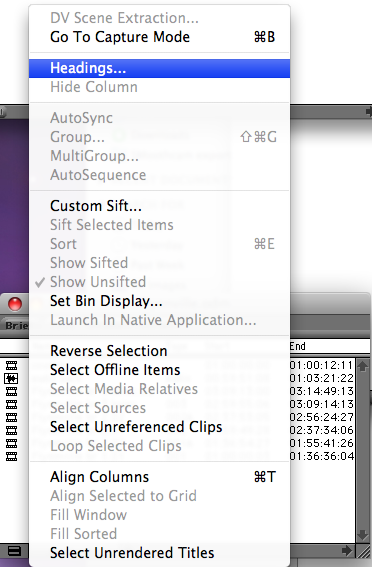
Avid can save custom bin column headings just as well as FCP. First you choose the headings you want to display by choosing Headings… under the bin “hamburger” menu in the lower left corner of the bin:
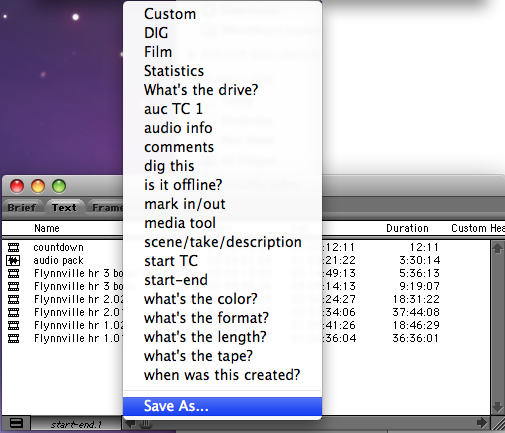
Once you have selected the heading you want to display you then click the heading title bar at the bottom of the bin, next to the “hamburger” menu. This is where you choose your different custom heading configurations as well as save a new custom heading:
Support ProVideo Coalition
Shop with


Filmtools
Filmmakers go-to destination for pre-production, production & post production equipment!
Shop Now