

Quicktip #13 (February 13, 2009) Check Audio/Video Settings
This may only happen to me but it’s annoying enough that it’s worth mentioning. If you do a lot of mastering to tape in a lot of different formats then you might have accidentally left a different format selected in the Audio/Video Settings > A/V Devices tab for Different Output for Edit to Tape/Print to Video:
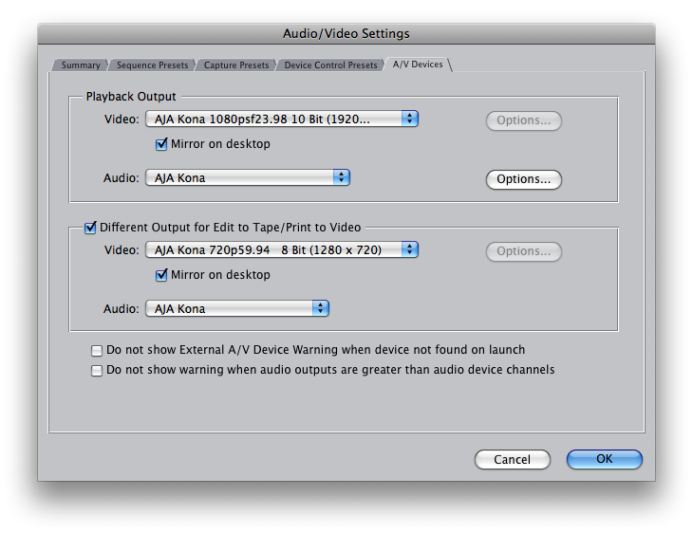
I’ve had this happen when I have quickly moved from one project format to the next for different outputs. I have made it a habit to always do a quick check of that tab before Edit to Tape begins. It would be nice (and would make total sense) if FCP had some kind of warning or message to let you know when these two settings are different when you go to perform an Edit to Tape. It seems like I remember FCP giving you a warning at some point in FCP’s life but it doesn’t do that now. Until then command+option+Q is the shortcut to bring up the A/V Settings.
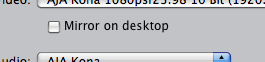
Bonus Edit to Tape tip: I often UNcheck the “Mirror on desktop” option when outputting to tape, especially on high-bandwidth HD material or media from a Firewire drive as it seems that there’s less chance of FCP dropping frames during the output if it doesn’t have to keep up with the playback on the computer screen.
The output can still be monitored on your external client monitor. You do have a client monitor for editing, right?


Filmtools
Filmmakers go-to destination for pre-production, production & post production equipment!
Shop Now