Send instructions to online from your Avid offline via EDL comments


Quicktip #26 (February 26, 2009) Making EDL comments in an Avid EDL
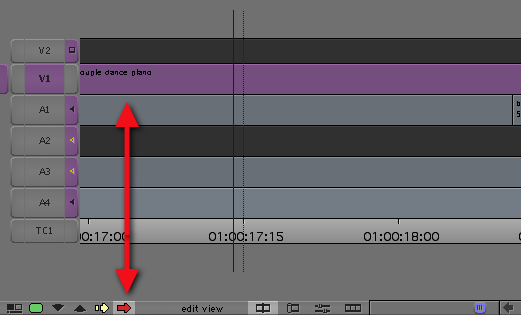
If you are sending an edit to online via an EDL you can add comments for the online editor that can appear in the EDL. First select a clip you want to add comments via Segment mode:
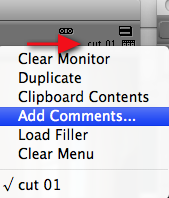
Then click on the edit sequence name above the record monitor and choose Add Comments…:
Type in your comments in the Comments window:
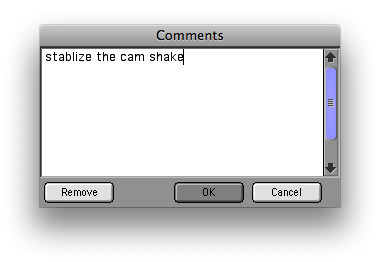
Those comments will show up in the EDL:
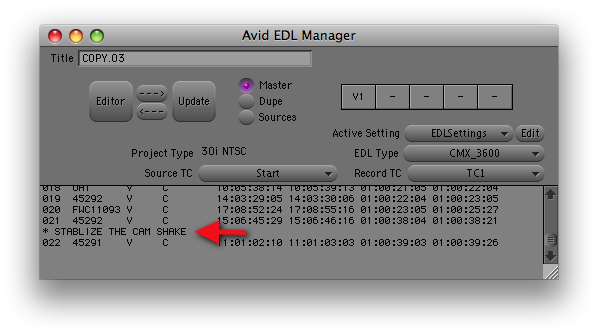
If you can’t see the comments make sure the Comment box is checked in the Comments tab under EDL Settings.
Support ProVideo Coalition
Shop with


Filmtools
Filmmakers go-to destination for pre-production, production & post production equipment!
Shop Now