

Filmtools
Filmmakers go-to destination for pre-production, production & post production equipment!
Shop NowThe online editing application is featured in a Hyundai promotion

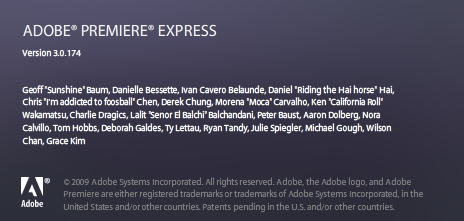
A while back I seem to remember Adobe announcing Adobe Premiere Express, its Flash-based online video editor. I never played with it and really didn’t hear that much about it but it is alive and well as part of the new Hyundai Genesis Coupe advertising campaign. And over on the Hyundai site you can even edit your own version of a Genesis Coupe commercial and post it for all the world to see. I gave it a try and I have to say that while it’s exciting to see that the Internet has progressed far enough for feature rich “applications” like this to exist the last thing I want to do is edit with Premiere Express. It may not be the interface itself (though it’s not the most pleasant thing) but the Hyundai site as I was only able to get a few of the user generated edits to play at all. As cool as the Genesis Coupe looks I’m sure the site isn’t that overloaded!
First you have to click over to the official Hyundai Genesis Coupe web page (fair warning, it takes a while to load and is quite the behemoth). You can then launch Premiere Express by clicking the edit your own heading at the top of the page. There’s quite a lot of footage to choose from including lots of car footage, music, effects and transitions. The interface looks very iMovie 06-ish. From what I can tell you drag your clips to the “sceneline” first and then trim them from there. Kind of an interesting reversal of 3-point editing! While there’s lots of stuff there to play with it’s certainly not a substitute for a real NLE but a great promotional tool.
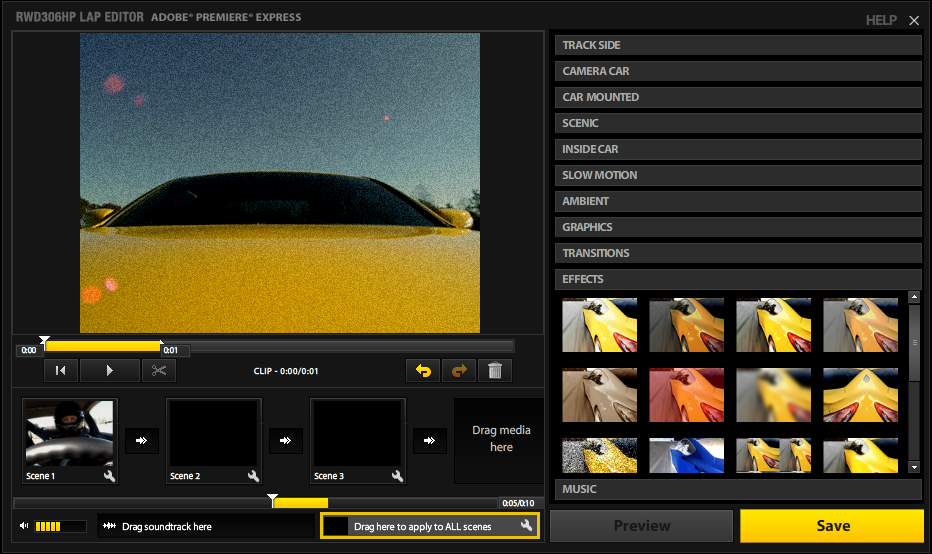
There might be promise here though. What if you could easily upload some raw interview footage and have a producer or writer who was familiar with the footage yet clear across the country do a quick edit of all the selects. And then have that edit transfer right into your desktop application. A one click process from Adobe Media Encoder could be an easy way to accomplish the encode and uploading task. As Adobe expands the Adobe Creative Suite I wouldn’t be at all surprised to see something like that added. That is unless it’s there already as the suite is very full featured. The downside would be that it would probably only send an edit back to Premiere Pro. But who can blame them since this is Adobe technology.
As for the big Hyundai spot that is making the round, it was edited … by none other than Billy Corgan of Smashing Pumpkins:
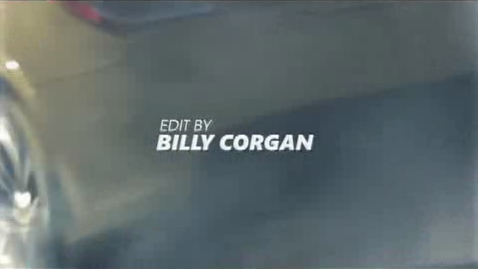
I’m not sure how he came to edit this spot but his music is in the commercial as well so maybe he cut some kind of deal. Or maybe he is working on a new career since the Pumpkins haven’t been producing the best music as of late. But one thing is for sure, it wasn’t edited on Premiere Express or Premiere Pro. It was cut on Avid Media Composer and that’s shown in the spot:
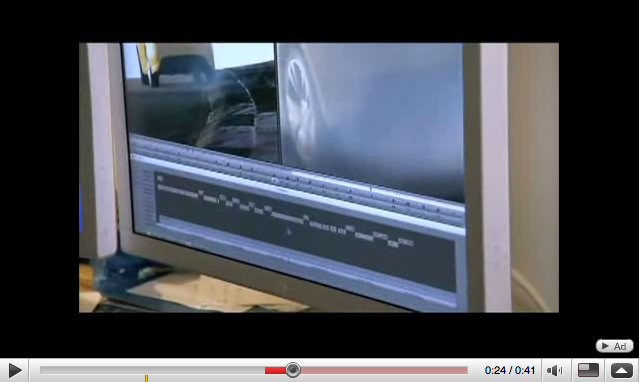
Are we entering a new era where editors are the superstars of filmmaking? Or are we entering an era where everyone has their own edit suite and can command the post-production fees go into the director or producers pocket since they can do it all on their own? Probably the latter. But Billy’s spot is kinda fun … even of the music bed isn’t: